DPI Engine
DPI (Deep Packet Inspection) is a core technology for intelligent network management. Unlike traditional routers that only identify source and destination addresses, DPI performs in-depth analysis of packet payloads and accurately identifies applications and websites using a feature-matching library, enabling fine-grained traffic classification and control.
The GL.iNet DPI Engine runs locally on your router to deliver intelligent network management with complete privacy. It provides full access to traffic statistics, content filtering, and QoS for comprehensive traffic control.
Integrated with Netify, GL.iNet DPI adopts a lightweight embedded plug-in for efficient deployment. With Netify online-updated signature database, it enables reliable management, making network control more accurate and efficient.
Note:
-
DPI features will not take effect when the router is in Drop-in Gateway mode.
-
When DPI is enabled, the Network Acceleration will be disabled automatically to ensure stable operation.
Supported Models
Supported Models
- GL-BE10000 (Slate 7 Pro)
- GL-MT5000 (Brume 3)
Enable DPI Engine
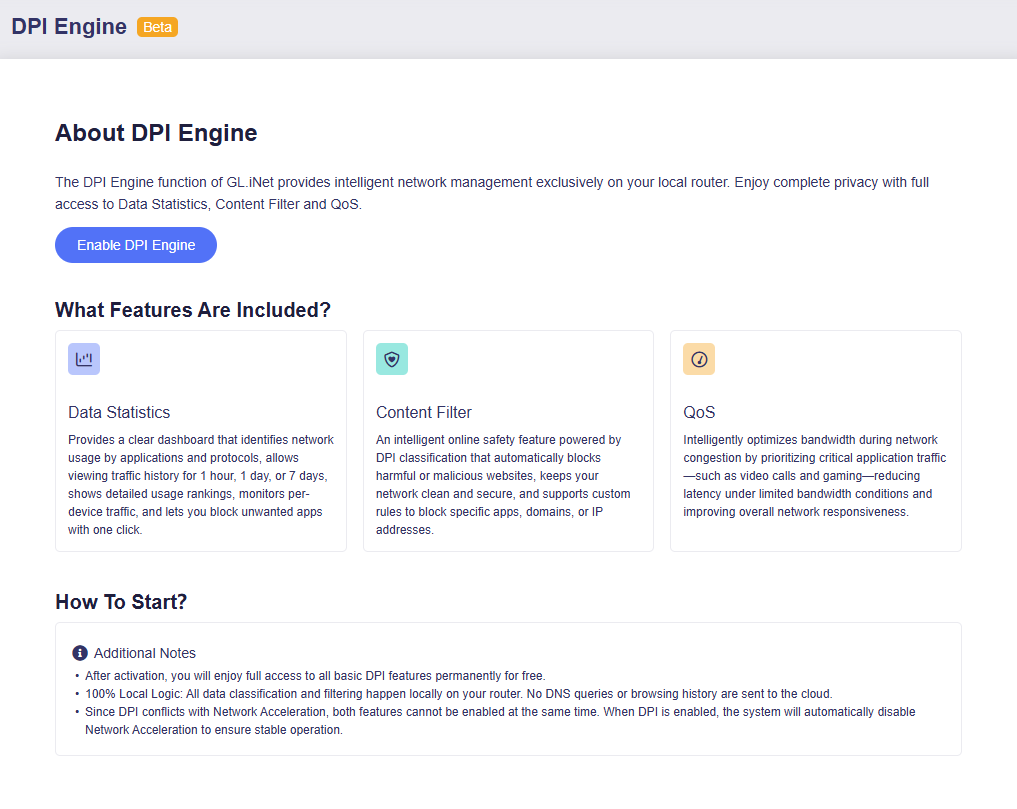
Log in to the router's web Admin Panel, go to FLOW CONTROL -> DPI Engine and click Enable DPI Engine.
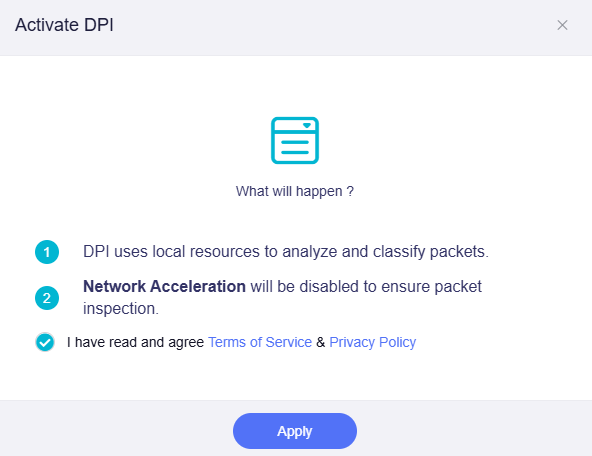
In the pop-up window, read and agree Terms of Service & Privacy Policy, then click Apply.
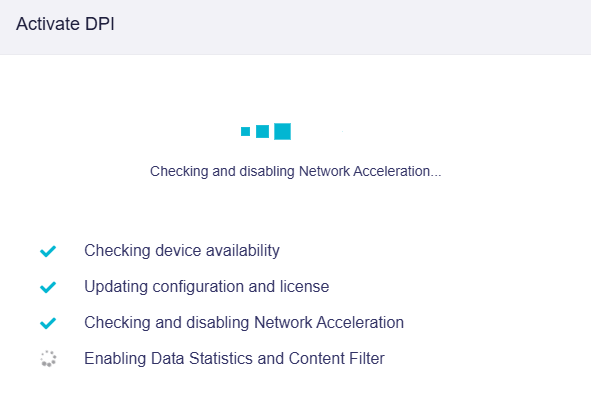
Please wait while the router performs system operations. It will disable Network Acceleration and enable Data Statistics and Content Filter.
Once activated, click Done.

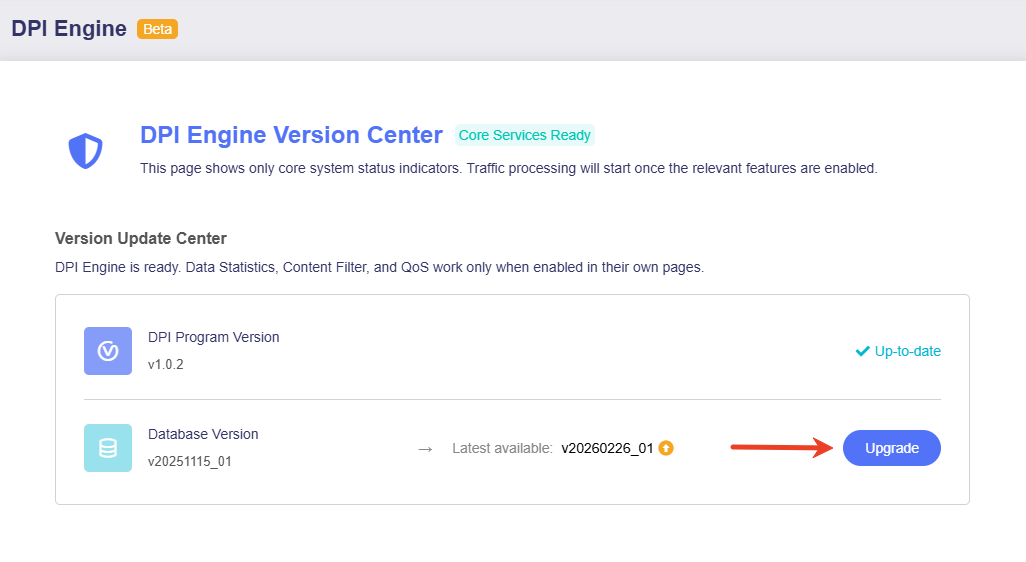
You will be directed to the DPI Engine Version Center, where you can view the DPI Program version and Database version.
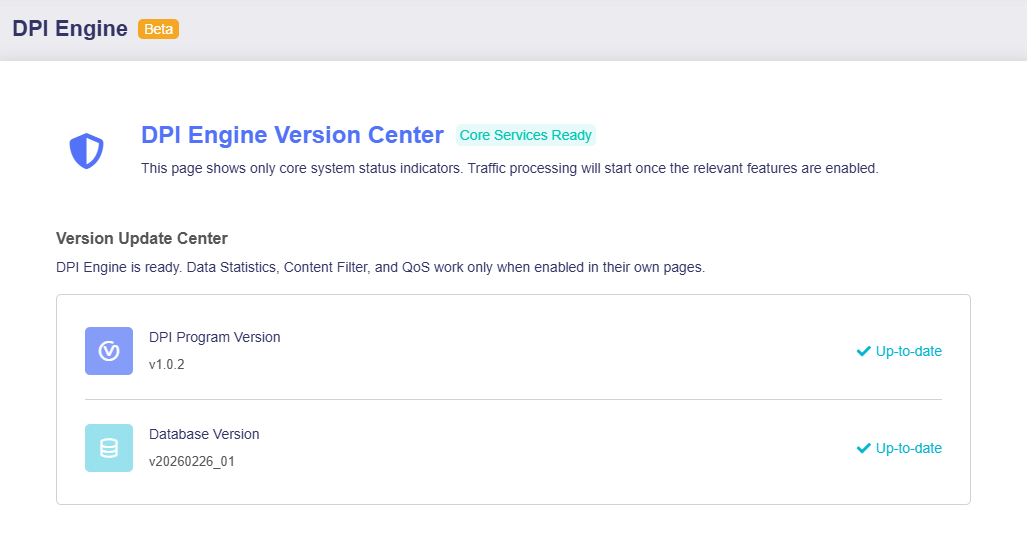
Note: This page displays core system status indicators only. Traffic processing will start once the relevant features are enabled.
Database Upgrade
If a newer database version is available, simply click Upgrade to update the database.
Still have questions? Visit our Community Forum or Contact us.