Time Zone
On the left side of the web Admin Panel, go to SYSTEM -> Time Zone.
The router logs activity timestamps according to its system time, and some functions rely on the correct time to work properly. Please ensure the correct time zone has been selected and synchronized.
The time zone is not synchronized automatically. Click the Sync button to update it.
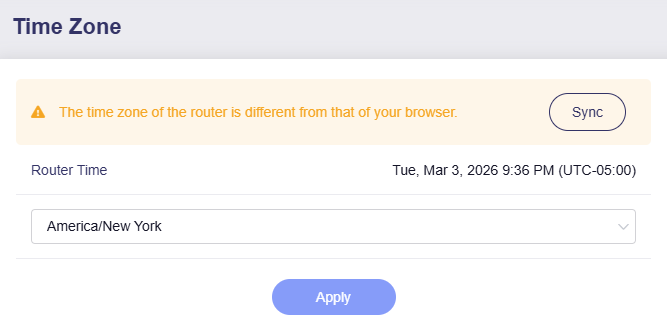
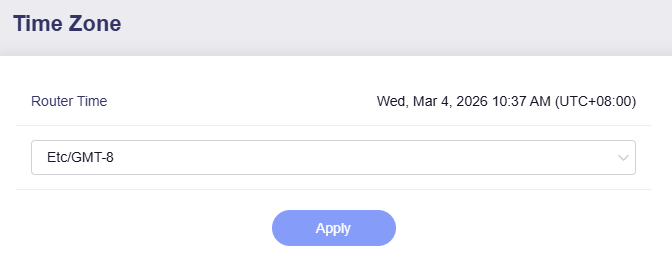
After synchronization, the page will appear as shown below.
Still have questions? Visit our Community Forum or Contact us.