Upgrade
On the left side of the web Admin Panel, go to SYSTEM -> Upgrade to update your router's firmware.
For some cellular models, you can also upgrade the module version if needed.
Warning
Please keep the power on during the upgrade. Do NOT power off the router. The device will automatically reboot after upgrade, which may take a few minutes.
Firmware Upgrade
Online Upgrade
Online Upgrade automatically checks for the latest official firmware over the internet and completes downloading and flashing directly on the router, which is convenient for one-click official firmware updates as long as the router is connected to the Internet.
You can find the current firmware version in the Firmware Online Upgrade.

-
Accept Preview Plan
If enabled, you can try new features before the final version is issued and provide us with feedback. Note that these upgrades may not be stable.
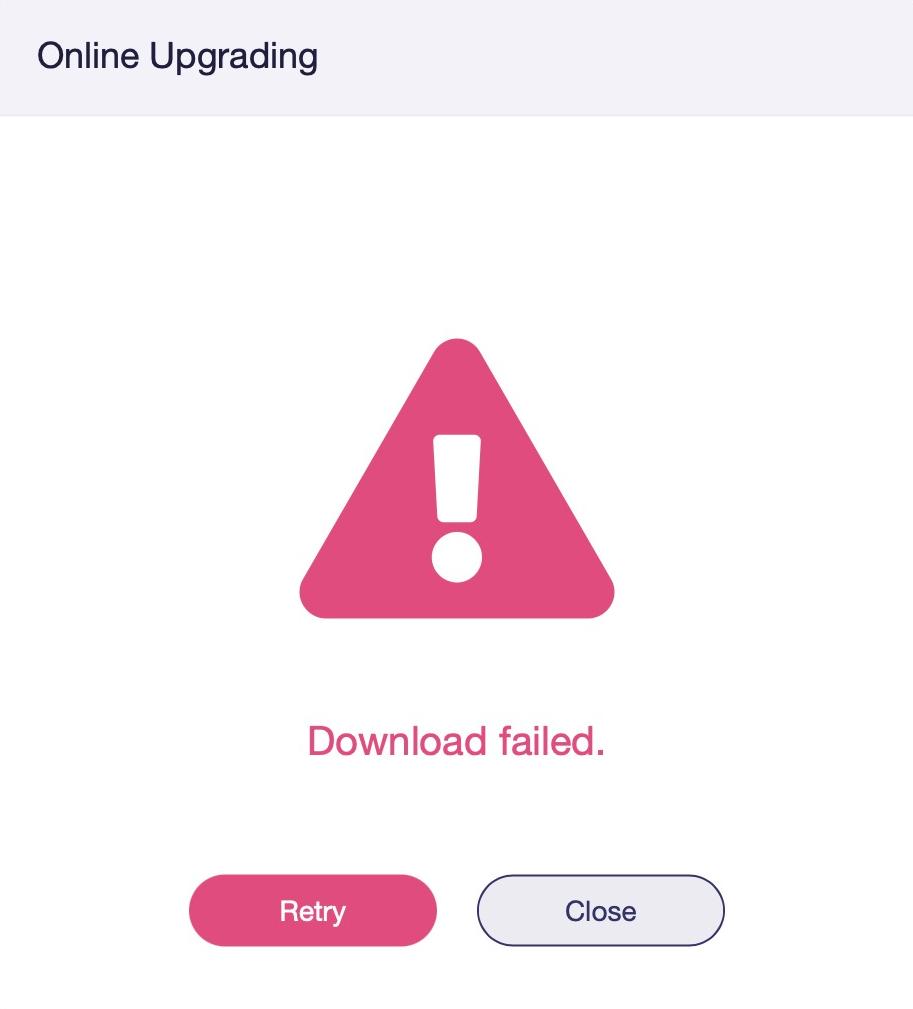
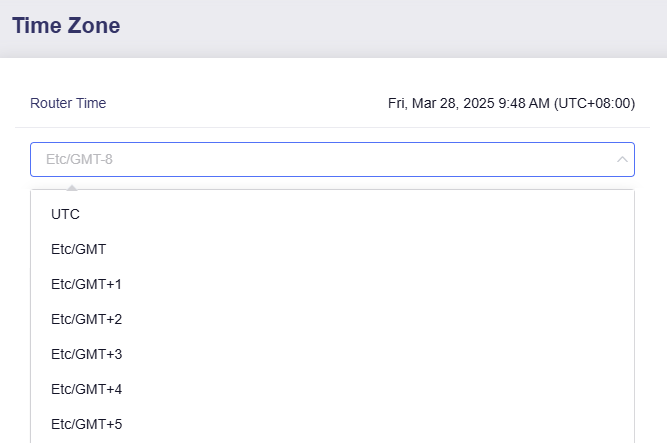
Note: When trying to perform an online upgrade, if it displays Download Failed, please go to System -> Time Zone, and fix the time zone error (sync to browser).
Local Upgrade
Local Upgrade supports manual firmware file upload for flashing, enabling users to upgrade, downgrade, or install beta firmware of specific versions to test newly added features.
Download the firmware file from our download center first, then go to Firmware Local Upgrade.

Select the file or drag and drop it into the upload area. The system will verify the firmware.

- Keep Settings: If this option is enabled, current settings will be retained and you will be prompted to reinstall any user-installed packages after the upgrade has completed. Do NOT check this option when downgrading firmware.
Click Install to upgrade.
Modem Upgrade
GL.iNet cellular routers allow users to upgrade the cellular modem firmware through the web Admin Panel.
You may try a cellular module upgrade when cellular networking fails or experiences instability. We recommend contacting technical support for troubleshooting before performing the modem upgrade.
Online Upgrade
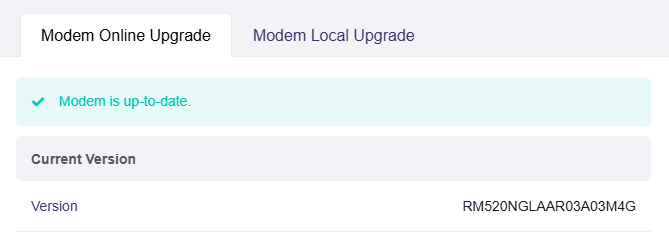
You can find the current cellular modem version here. If your router is connected to the Internet, it will automatically check for the latest cellular modem version from the manufacturer's server, simplifying the update process.
Local Upgrade
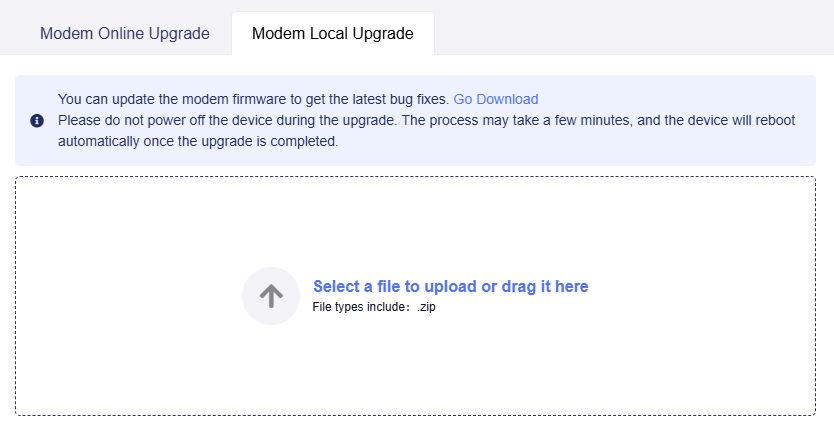
Manually upload a modem firmware file from your computer to update the cellular modem if needed.
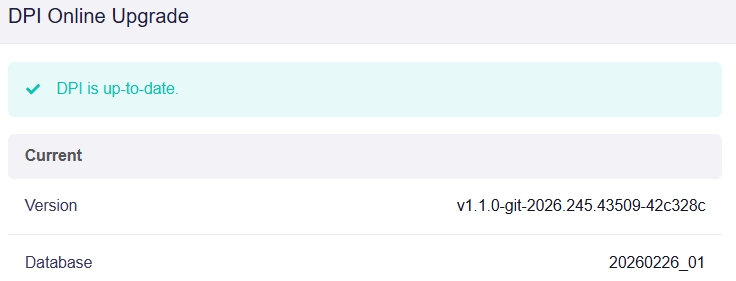
DPI Online Upgrade
The DPI Online Upgrade checks for and updates the DPI engine and its signature database, ensuring accurate traffic identification for Data Statistics, Content Filter, and other DPI-related features.
Note: This feature was introduced in firmware v4.11.
Still have questions? Visit our Community Forum or Contact us.