How to upgrade firmware?
The cloud platform only supports firmware v1.5.0 and above. If your device is running an older version, you'll see the following message:
"Firmware outdated. Please upgrade to v1.5.0 or above via local or remote access."

Please follow the steps below to upgrade:
-
Local access to the KVM console.
-
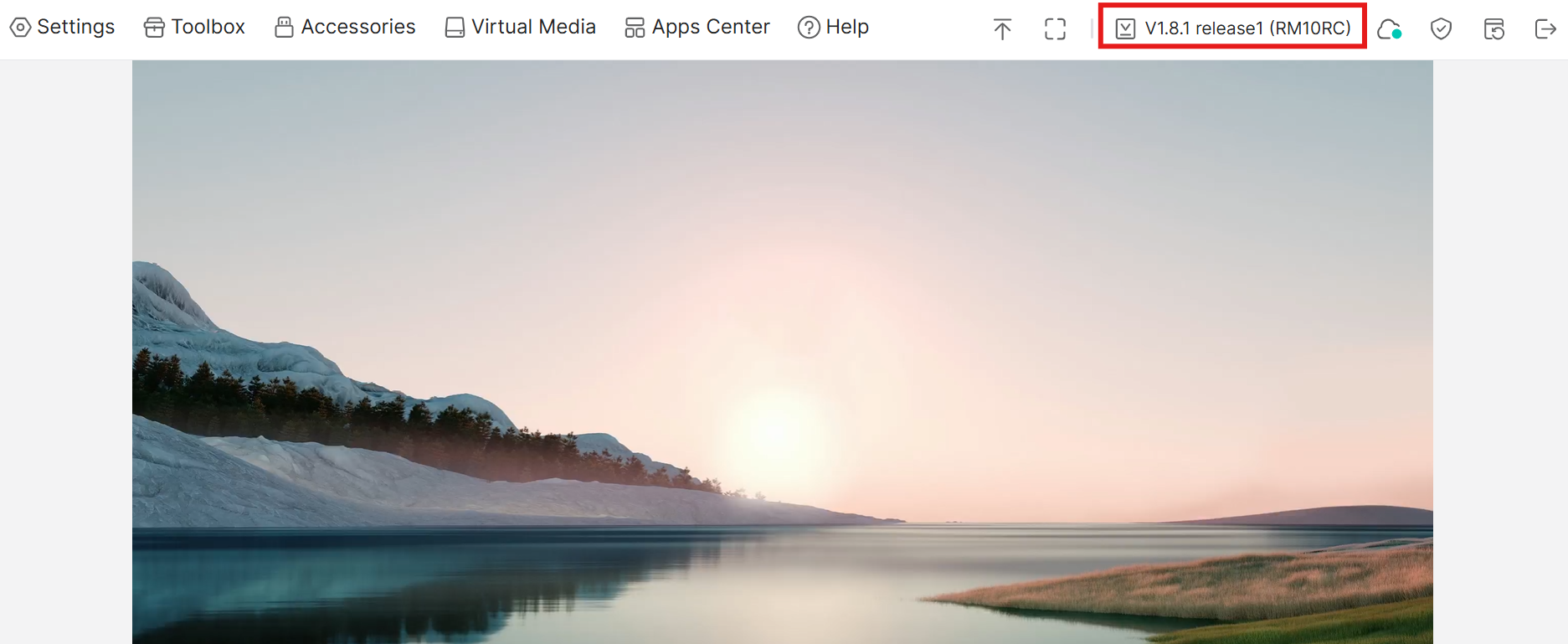
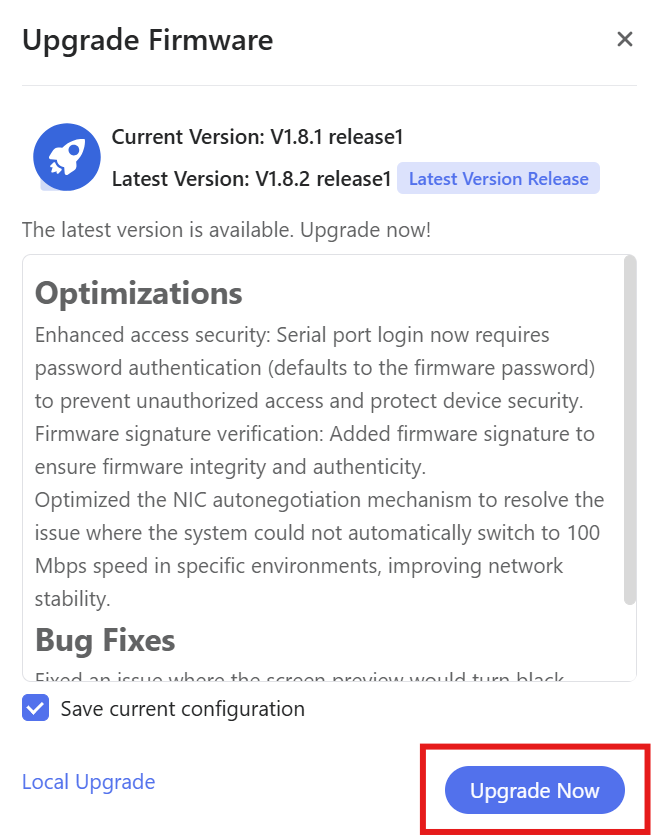
Click on the firmware version, then select "Upgrade Now".
-
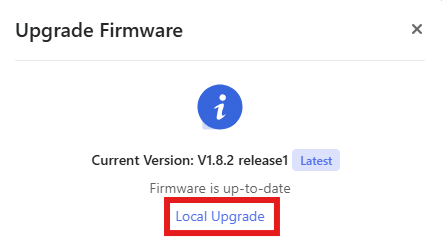
If you need to download the firmware manually, visit the Firmware Center and select the lastest firmware.
Then go back to the KVM console choose Local Upgrade, and wait for the installation to complete.
Still have questions? Visit our Community Forum or Contact us.