How to upgrade firmware?
The cloud platform only supports firmware v1.5.0 and above. If your device is running an older version, you'll see the following message:
"Firmware outdated. Please upgrade to v1.5.0 or above via local or remote access."

Local Access Upgrade
-
Local access to the KVM console.
-
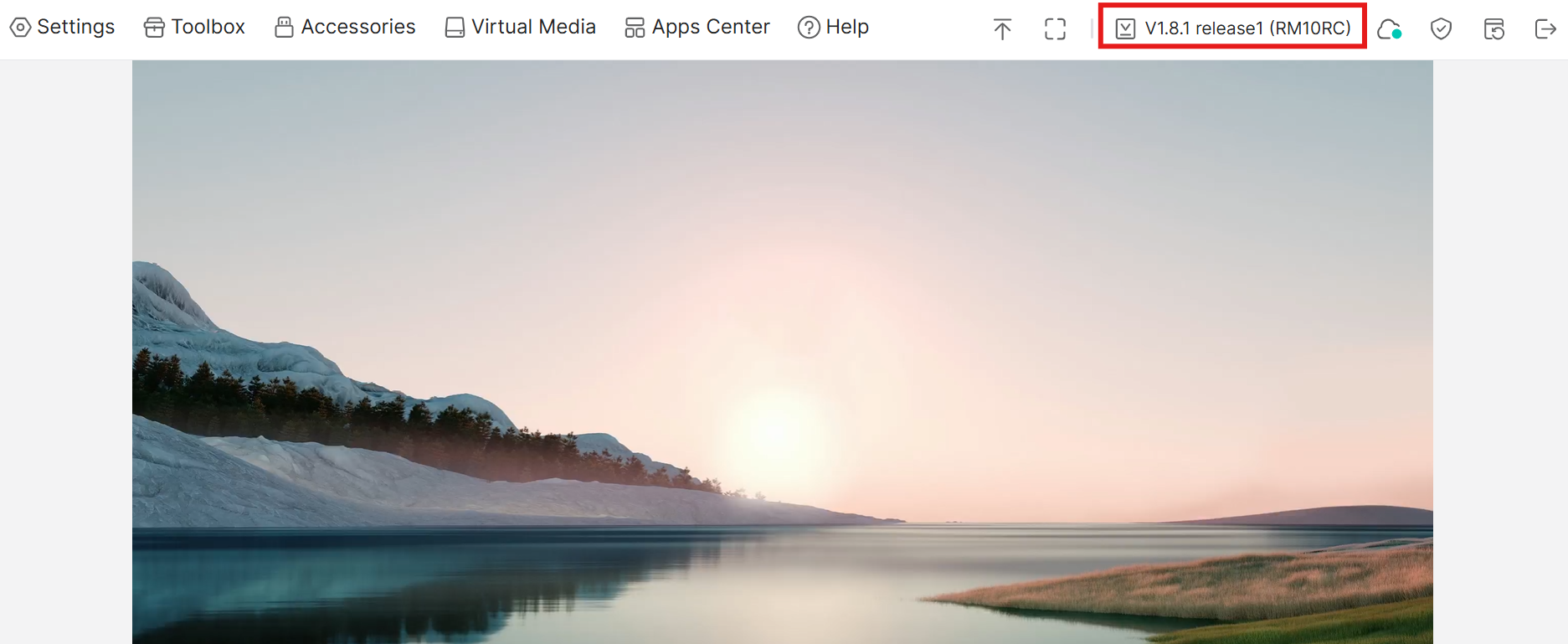
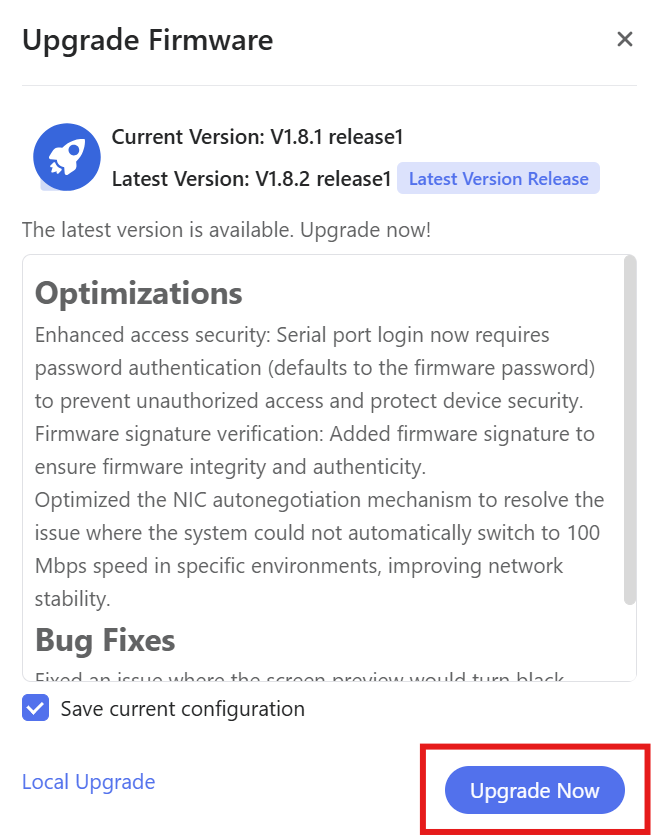
Click on the firmware version, then select "Upgrade Now".
-
If you need to download the firmware manually, visit the Firmware Center and select the lastest firmware.
-
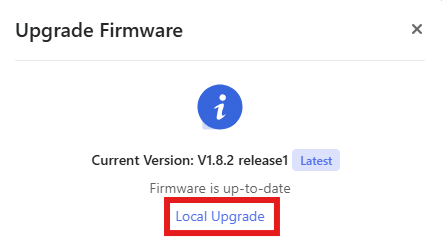
Then go back to the KVM console choose Local Upgrade, and wait for the installation to complete.
Remote Access Upgrade
Note: Please make sure your device is already bound to your account.
-
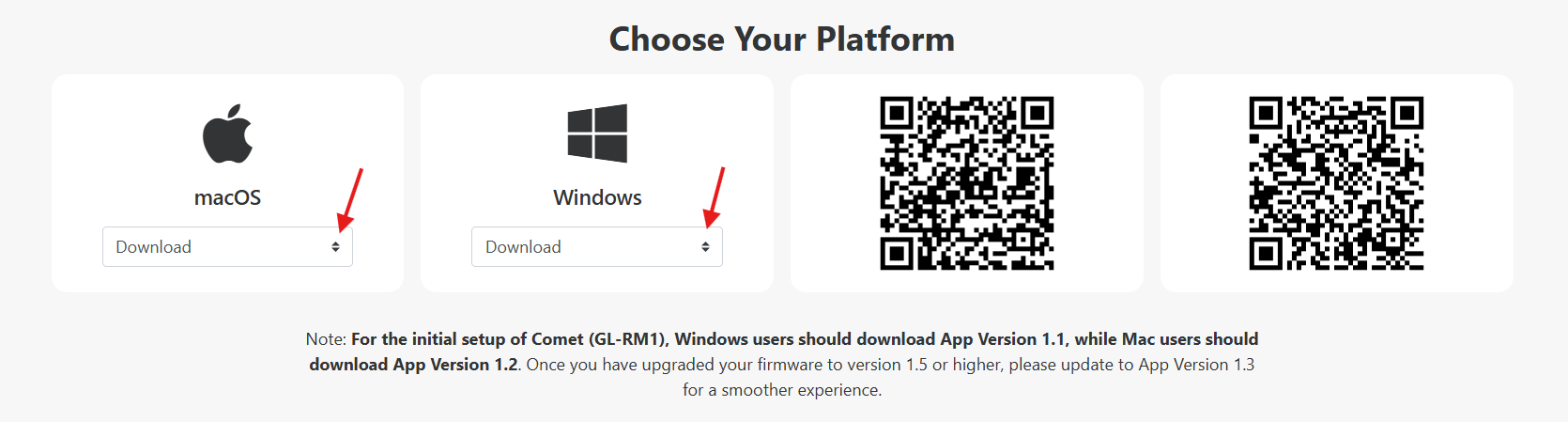
Install the legacy GLKVM app here.
-
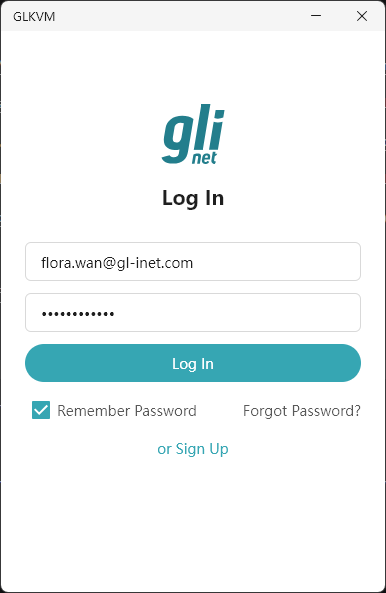
Log in with your account credentials.
-
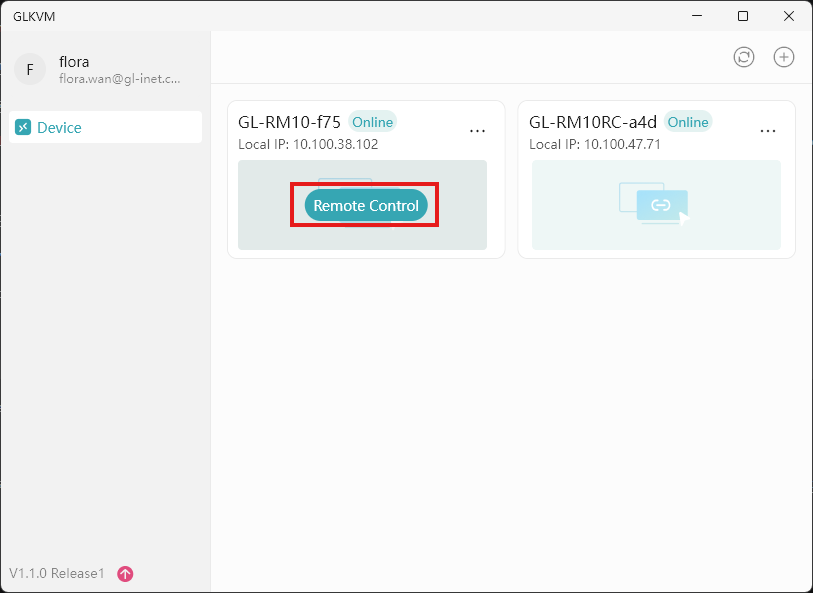
Your bound device will appear — access it remotely and upgrade the firmware.
Still have questions? Visit our Community Forum or Contact us.