Comet Pro (GL-RM10) Overview
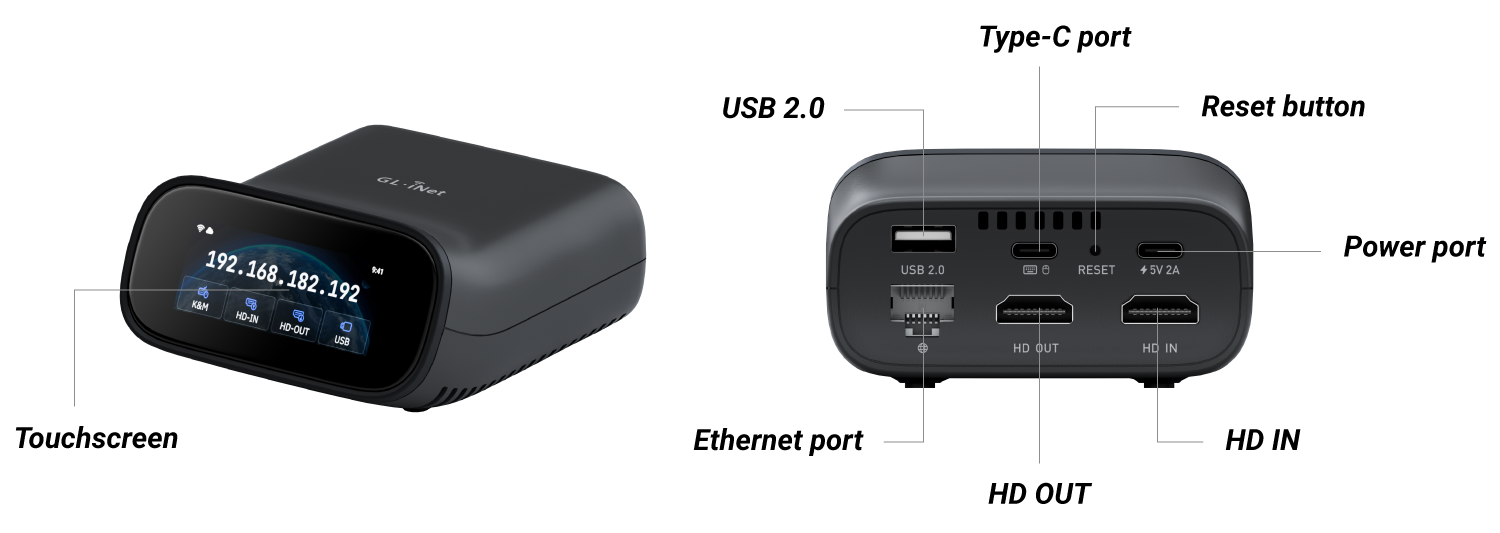
Appearance
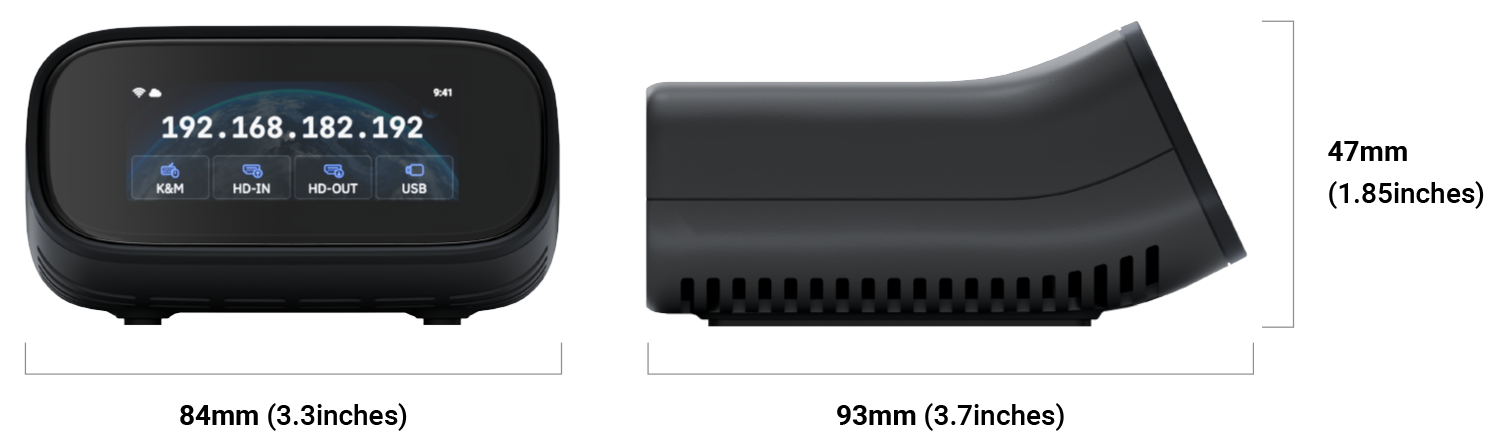
Dimension
Touchscreen
| Screen Display | Description |
|---|---|
 |
Starting up Power on your Comet Pro. The GL.iNet logo appears, followed by a startup progress bar. Once the progress bar is fully loaded, the device startup is complete. |
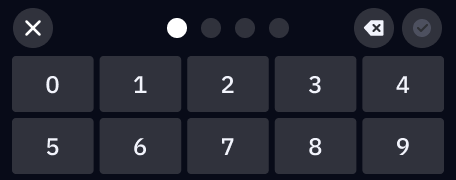 |
Set up screen password Set a screen password for your Comet Pro to protect your privacy. |
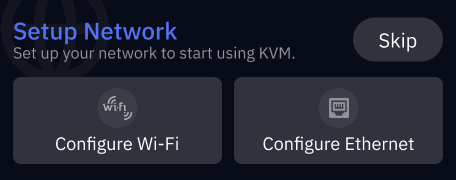 |
Set up network Connect Comet Pro to 2.4GHz/5GHz Wi-Fi, or connect it to a network device (e.g., router, network switch, or Ethernet jack) via Ethernet cable. |
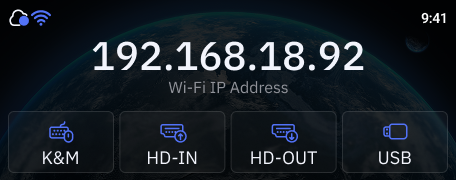 |
Home screen Top-left: Cloud and network status. Top-right: System time. Middle: Device IP address (shown only when internet is connected). Bottom: Keyboard & mouse signal, HDMI signal, and USB connected status. |
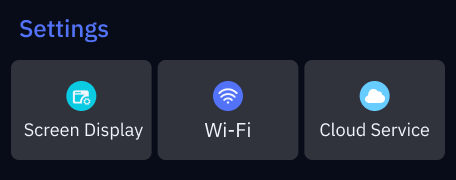 |
Basic settings On the home screen, swipe left from the right to access basic settings, including Screen Display, Wi-Fi, and Cloud Service. |
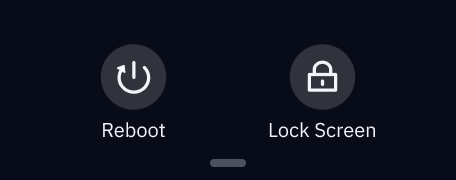 |
System Menu On the home screen, swipe down from the top to access system menu, including Reboot and Lock Screen. |
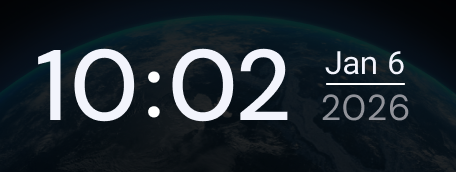 |
Lock screen The lock screen displays the time and date. |
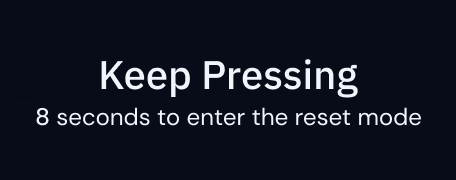 |
Factory Reset With the KVM powered on, insert a pin into the reset pinhole and hold for 8 seconds to factory reset. Release the pin within 8 seconds to cancel the reset. |
Package Contents
- 1 x Comet Pro (GL-RM10)
- 1 x User manual
- 1 x Thank you card
- 1 x Ethernet cable
- 2 x HD cable
- 1 x USB cable (Type-A to Type-C)
- 1 x USB cable (Type-C to Type-C)
- 1 x USB-A Power adapter
- 1 x Converter (Based on your shipping country)
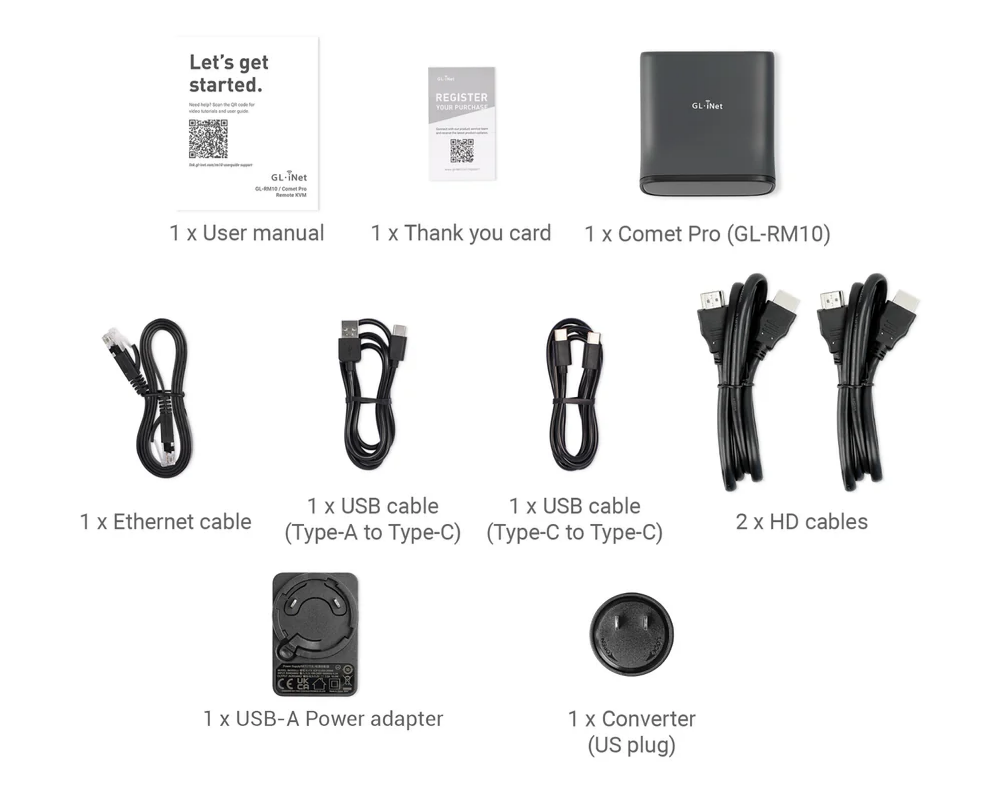 (U.S. package)
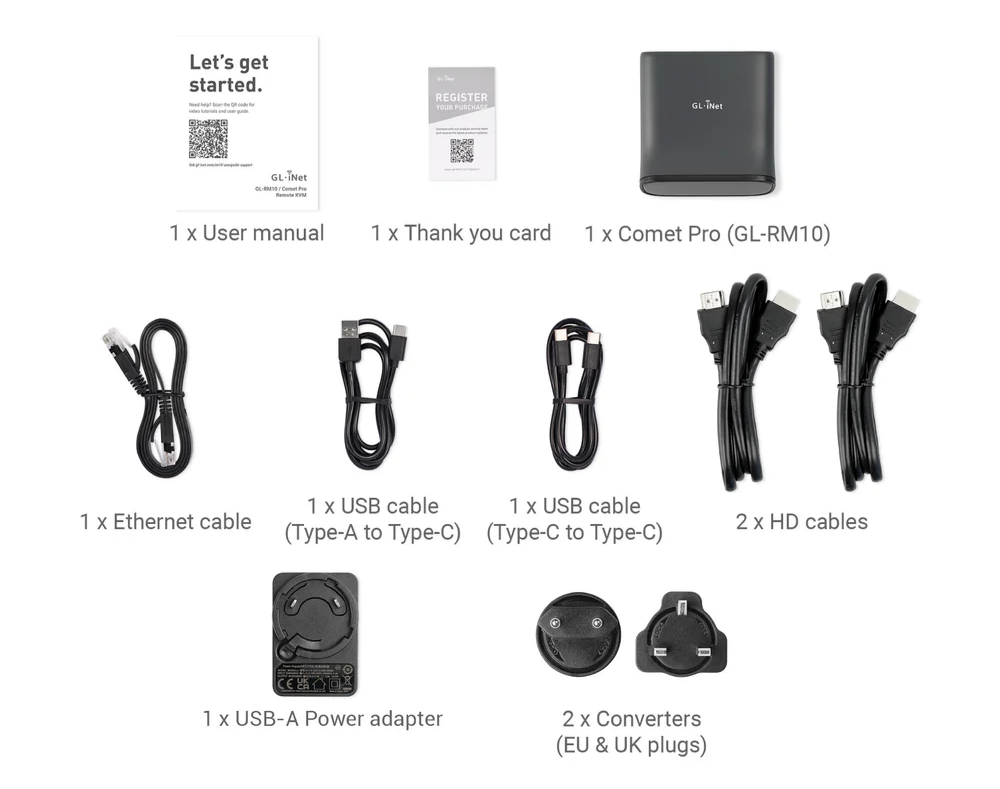 (EU & UK package)
Watch the unboxing video below.
Last update:
July 6, 2026