What is the difference between Absolute mouse and Relative mouse
For the GL.iNet KVM, the Mouse Mode on the console provides two options: Absolute and Relative. These two modes differ significantly in mouse control behavior, applicable scenarios, and user experience, which are detailed as follows to help you choose the appropriate mode based on your actual needs.
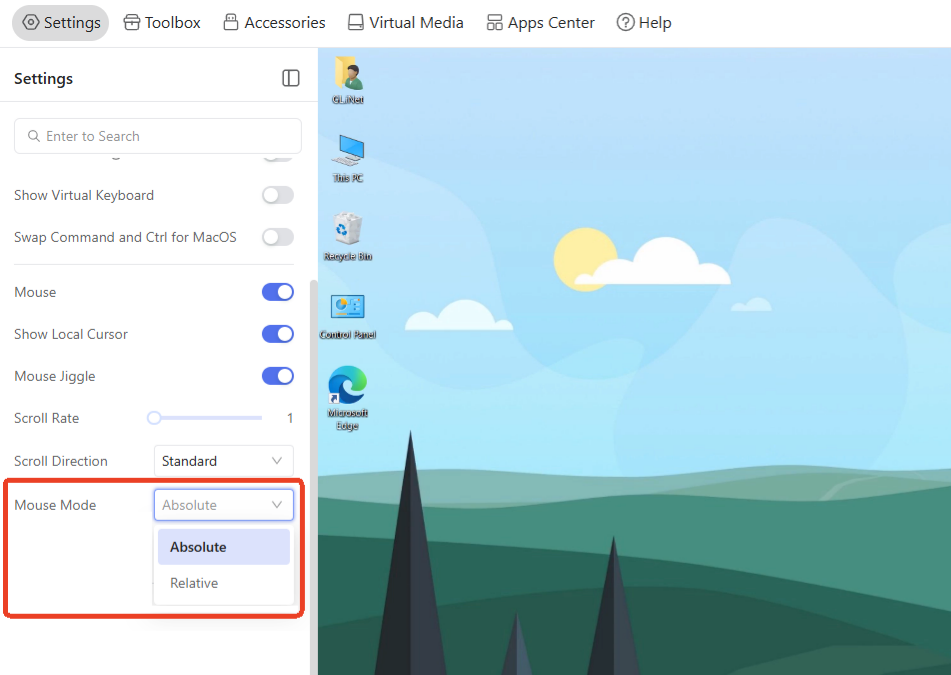
Absolute Mouse
Absolute Mode is designed to achieve seamless and synchronized mouse control between the local computer and the target device. When this mode is enabled, the mouse cursors on both the local computer and the target device are mapped to the same coordinate system. You can smoothly and seamlessly move the local mouse cursor across the KVM console and the remote screen — the remote cursor will follow the local cursor's movement in real time.
A minor delay may occur during use, which is a normal phenomenon caused by network transmission and video encoding. This delay will make the remote cursor slightly slower than the local one, but it will not affect the overall smoothness of operation.
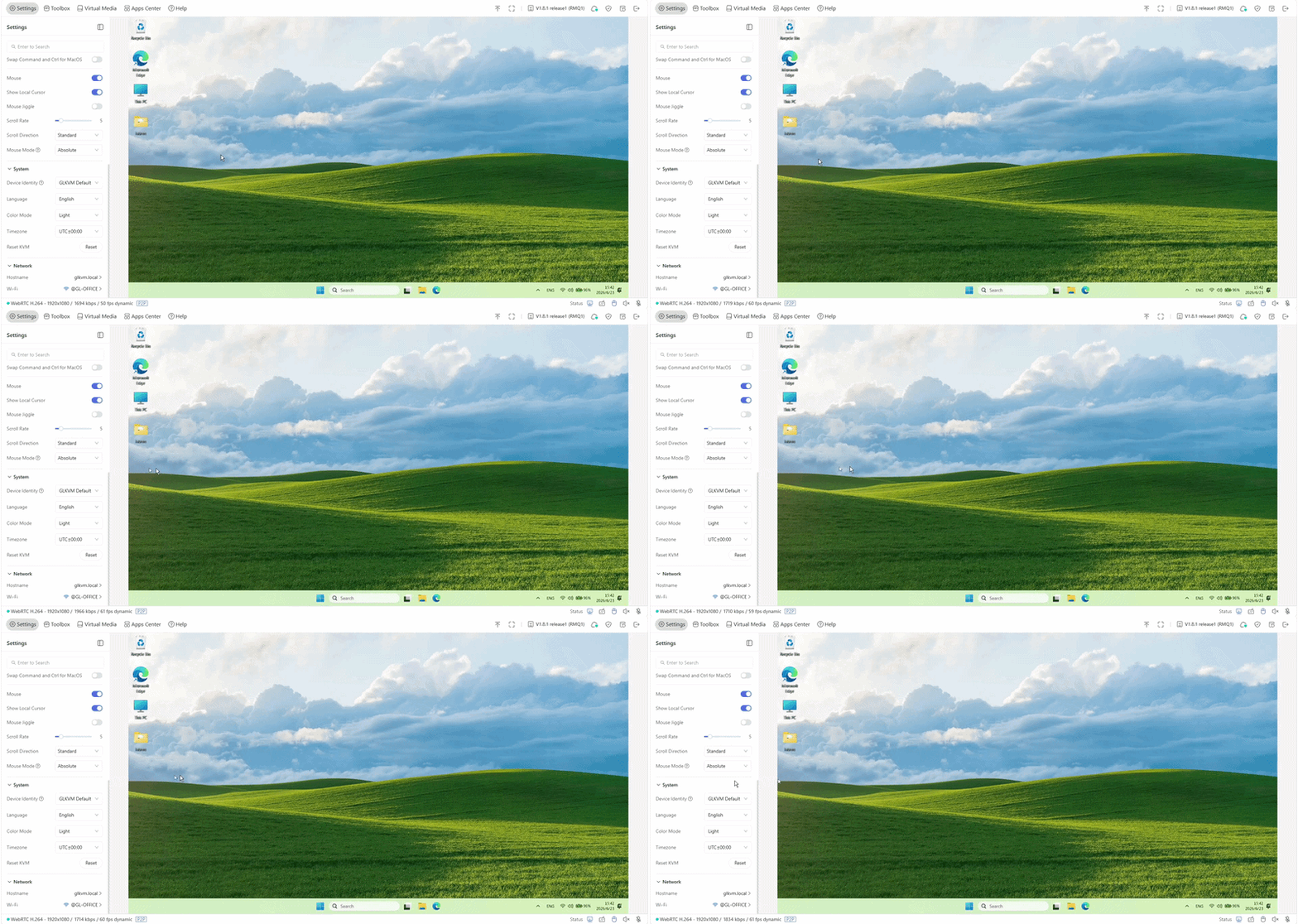
Relative Mouse
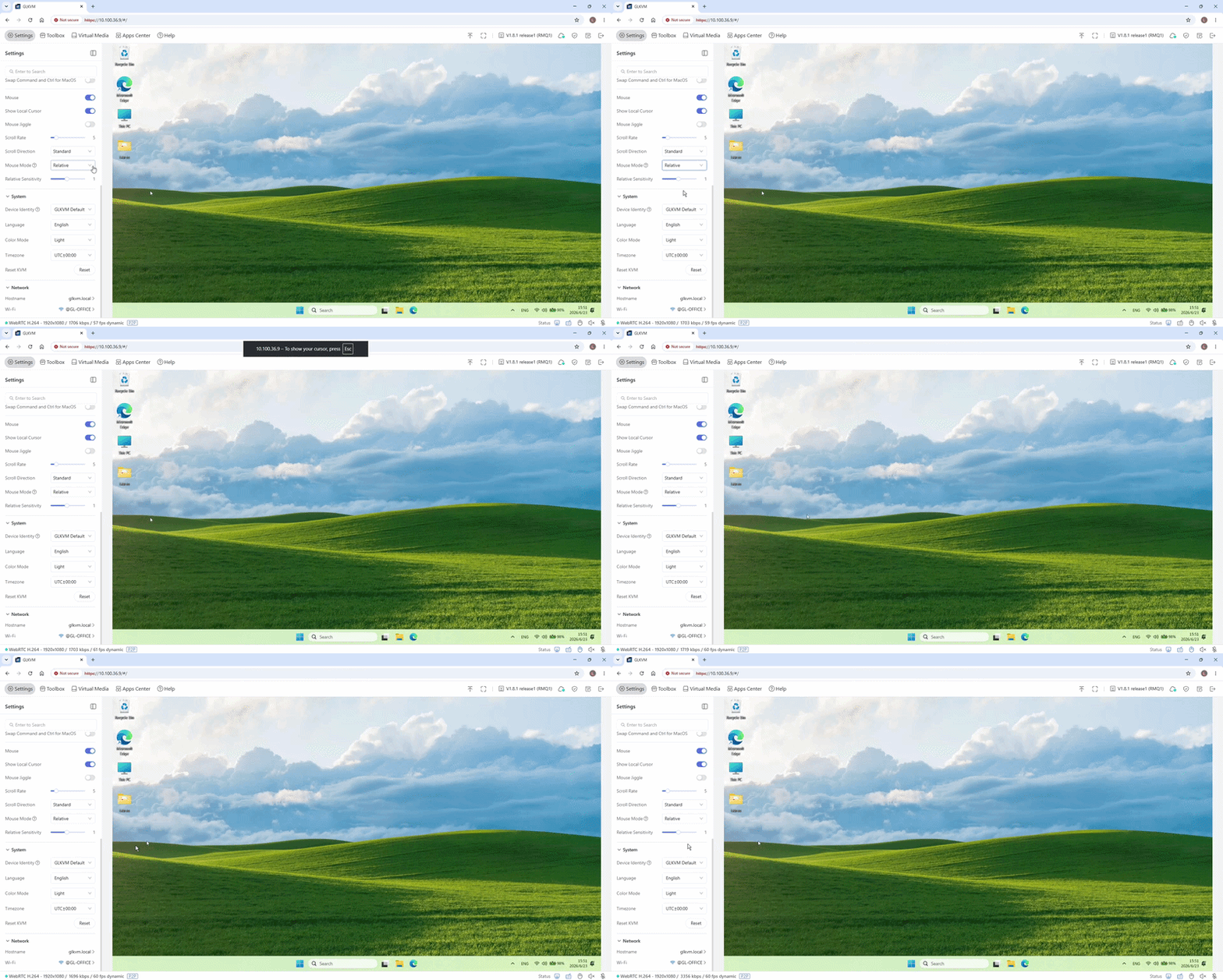
Unlike Absolute Mode, Relative Mode does not synchronize the coordinates of the local and remote mouse cursors; they operate in separate layers. Before you can control the target device, you must first click within the remote window to capture the cursor focus.
While in this mode, the remote cursor is "confined" to the remote window and cannot move fluidly across the boundary to your local desktop. The edges of the remote window act as a barrier, trapping the cursor within the controlled environment. To release the cursor and regain control of your local computer, simply press the Esc key.
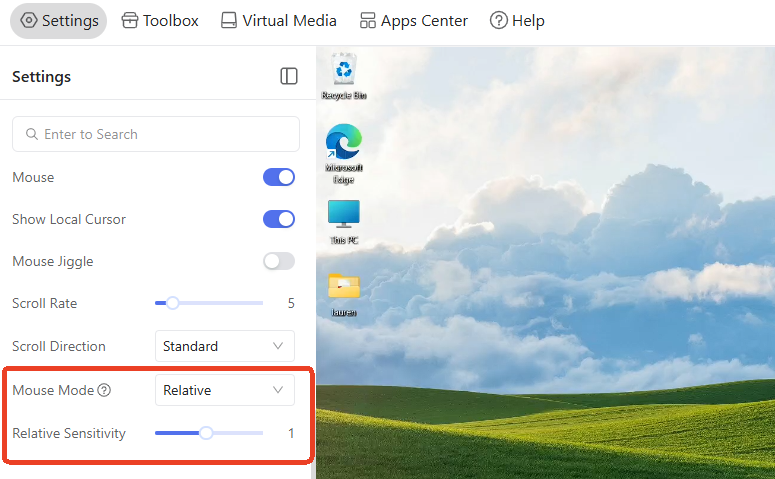
In Relative mode, you can adjust the Relative Sensitivity, which ranges from 0.1 to 2.0.
Key Differences
| Features | Absolute Mouse | Relative Mouse |
|---|---|---|
| Cursor Coordination | Local and remote cursors are synchronized (same coordinate system) | Local and remote cursors are in separate layers (no coordinate synchronization) |
| Control Operation | No need to click to obtain focus; seamless cross‑screen movement | Must click the remote screen to get focus; cannot move cross‑screen seamlessly |
| Delay | Slight delay (network/video encoding) | Almost no delay (only sends movement increments) |
| Applicable Scenarios | Smooth multi‑screen control, frequent switching, precise positioning (remote office, graphic design) | Old devices / BIOS / UEFI that do not support Absolute Mouse mode; avoiding accidental clicks; unstable networks (lower latency) |
Summary
Absolute Mouse prioritizes a smooth and integrated control experience, while Relative Mouse focuses on compatibility and stability.
For most daily remote control scenarios of the GL.iNet KVM, Absolute Mode is the recommended default option; Relative Mode can be selected when encountering compatibility issues or special operation needs.
- Use Absolute Mouse for smooth daily remote control.
- Use Relative Mouse for BIOS access, older devices that do not support absolute positioning, or to avoid accidental clicks.
Still have questions? Visit our Community Forum or Contact us.