Comet 5G (GL-RM10RC) Overview
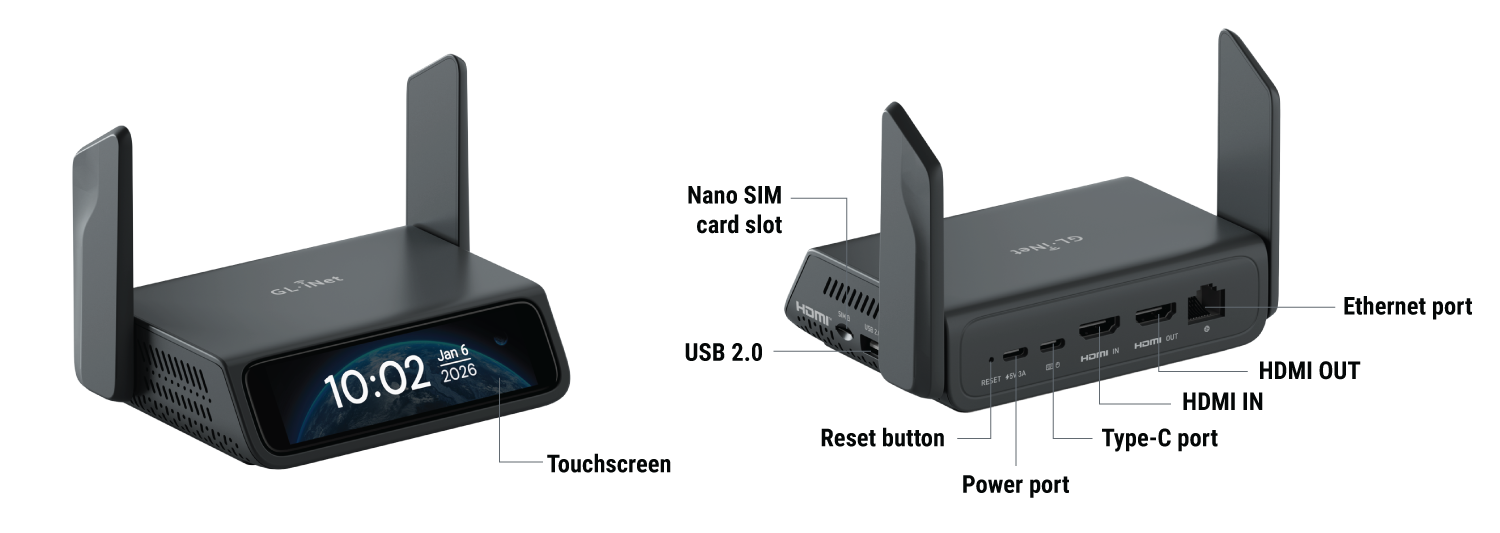
Appearance
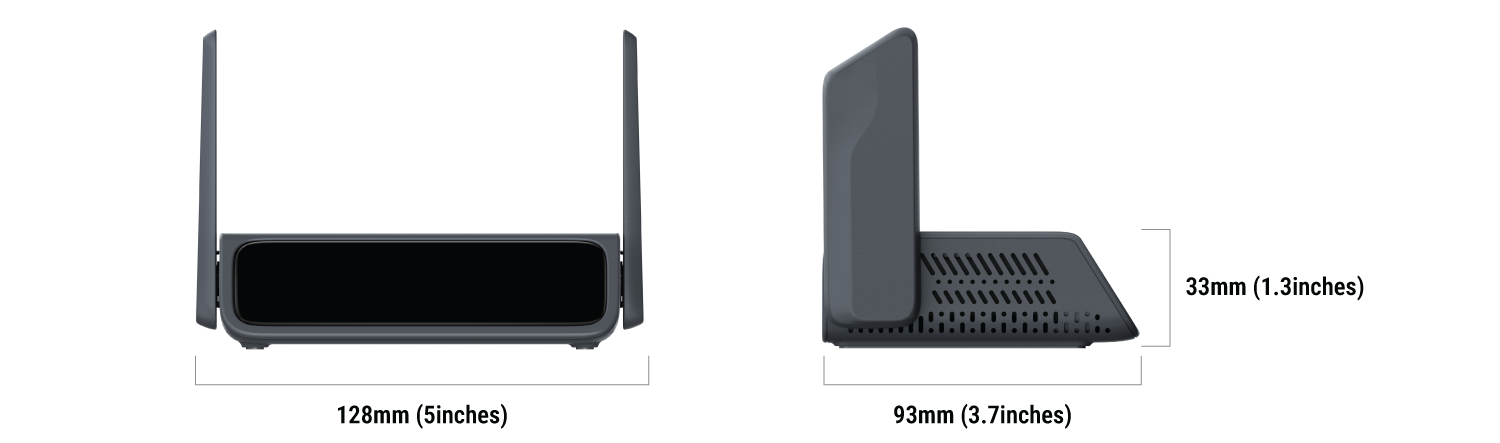
Dimension
Touchscreen
| Screen Display | Description |
|---|---|
 |
Starting up Power on your Comet 5G. The GL.iNet logo appears, followed by a startup progress bar. Once the progress bar is fully loaded, the device startup is complete. |
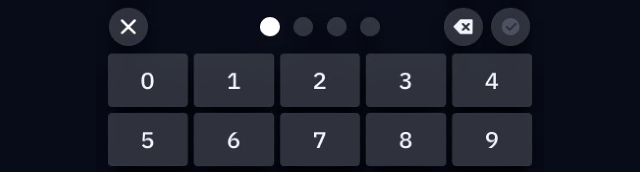 |
Set up screen password Set a screen password for your Comet 5G to protect your privacy. |
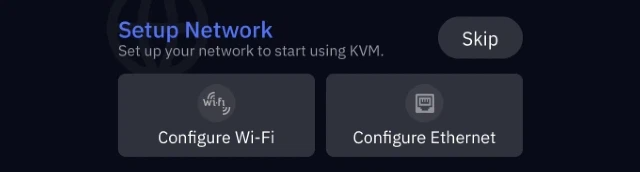 |
Set up network Connect Comet 5G to 2.4GHz/5GHz Wi-Fi, or connect it to a network device (e.g., router, network switch, or Ethernet jack) via Ethernet cable. |
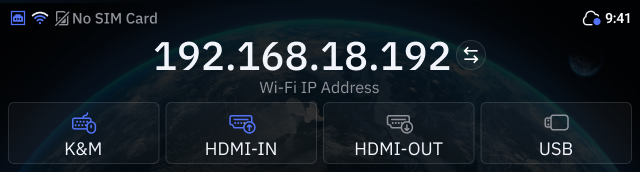 |
Home screen Top-left: Network status. Top-right: Cloud status and system time. Middle: Device IP address. Bottom: Keyboard & mouse signal, HDMI signal, and USB connected status. |
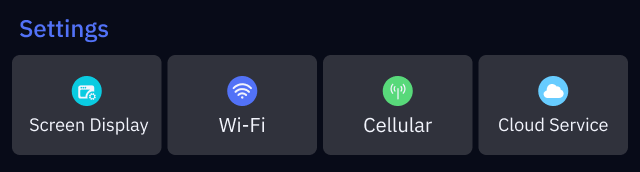 |
Basic settings On the home screen, swipe left from the right to access basic settings, including Screen Display, Wi-Fi, Cellular, and Cloud Service. |
 |
System Menu On the home screen, swipe down from the top to access system menu, including Reboot and Lock Screen. |
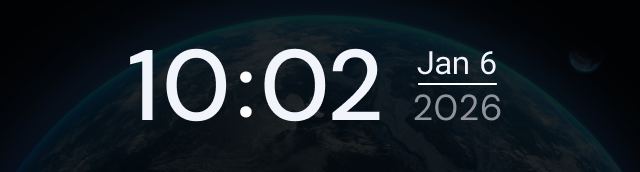 |
Lock screen The lock screen displays the time and date. |
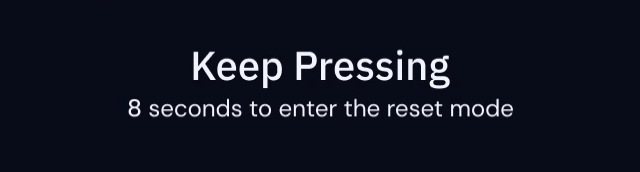 |
Factory Reset With the KVM powered on, insert a pin into the reset pinhole and hold for 8 seconds to factory reset. Release the pin within 8 seconds to cancel the reset. |
Highlights
-
5G RedCap
Comet 5G integrates cutting-edge 5G RedCap technology to provide flexible internet access, freeing your deployments from the constraints of fixed on-site networks.
-
Network Failover
Coupled with integrated cellular connectivity, Wi-Fi 6, and Ethernet failover support, Comet 5G ensures continuous uptime; should one connection fail, it seamlessly and automatically switches to the next available network, allowing uninterrupted remote KVM operation even in challenging conditions.
-
Dual-Band Wi-Fi 6
Comet 5G supports dual-band Wi-Fi 6 (2.4GHz and 5GHz), providing high-speed, low-latency, and stable wireless connectivity for remote operation and data access.
-
Nearby Control via AP Mode
Comet 5G features Wi-Fi Nearby Control, enabling quick local management without wired connections. Simply switch the Comet 5G's Wi-Fi network mode to AP mode, and it will generate a unique Wi-Fi SSID. Connect to this SSID to securely access the Comet 5G's console.
Note: Activating the AP mode disconnects the Comet 5G from its upstream Wi-Fi and provides nearby access only (with no internet connectivity).
-
Browser-Based Remote Access
Comet 5G allows you to access its console directly through a web browser, eliminating the need for client installation. This browser-based access uses secure HTTPS encryption and avoids self-signed certificate warnings, ensuring safe and effortless connectivity without additional software.
-
Sleek Design & Touchscreen
Comet 5G features a dark gray body with smooth contours, rounded corners, and a textured matte finish that offers both durability and a premium feel. The 3.69-inch TFT touchscreen provides an intuitive interface for quick access to device functions, ensuring a seamless user experience.
-
4K Display & Two-Way Audio
Comet 5G supports video output up to 4K@30FPS with HDMI out passthrough, allowing simultaneous local display and remote access without an external splitter. It also features two-way audio, enabling clear communication for video conferencing or remote technical instruction.
-
Self-Hosted Deployment
Comet 5G enables flexible self-hosted deployment on mainstream operating systems, including Linux and Ubuntu, giving you full control over remote access and data privacy. The self-hosted system requires a cloud server with at least a dual-core CPU and 2GB of memory, ensuring both privacy and reliable operation.
-
Remote Power Control
Comet 5G provides a USB port for connecting external devices such as an ATX board and a Fingerbot, enabling remote power control of the connected equipment.
Note: Optional accessories sold separately.
Frequency Bands
Comet 5G supports the following frequency bands.
-
5G NR
3GPP Release 17 RedCap, SA operation (Sub-6 GHz) n1 / n2 / n3 / n5 / n7 / n8 / n12 / n13 / n14 / n18 / n20 / n25 / n26 / n28 / n30 / n38 / n40 / n41 / n48 / n66 / n70 / n77 / n78 / n79
-
LTE FDD
B1 / B2 / B3 / B4 / B5 / B7 / B8 / B12 / B13 / B14 / B17 / B18 / B19 / B20 / B25 / B26 / B28 / B30 / B66 / B70
-
LTE TDD
B34 / B38 / B39 / B40 / B41 / B42 / B43 / B48
Package Contents
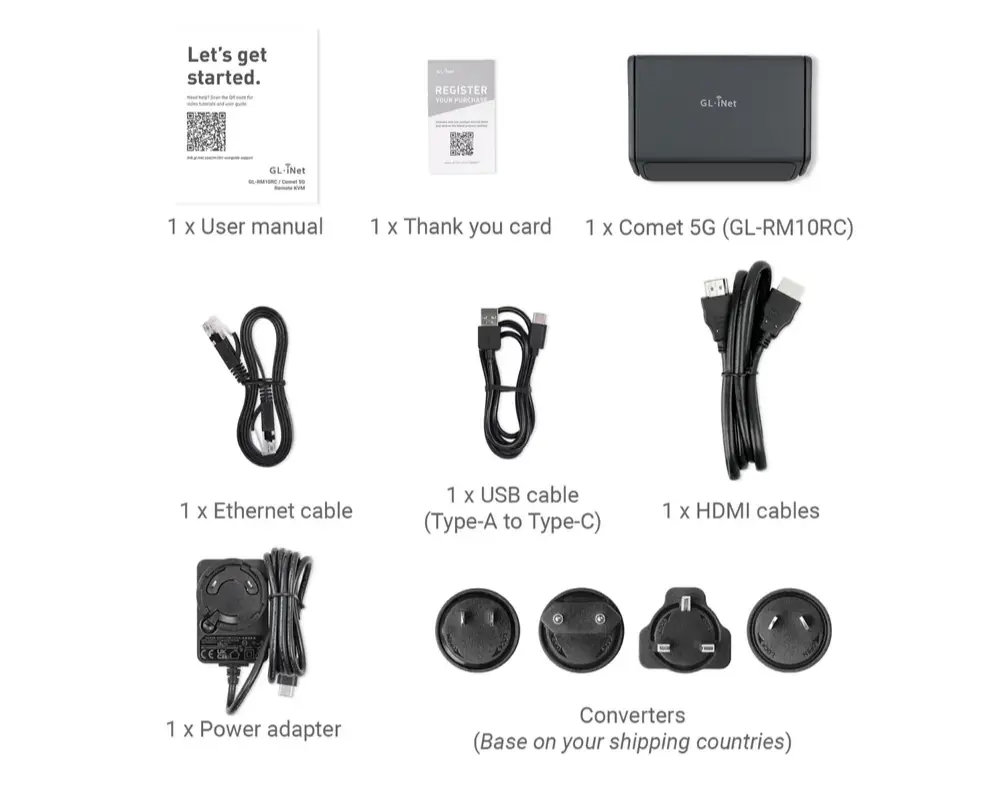
- 1 x Comet 5G (GL-RM10RC)
- 1 x User manual
- 1 x Thank you card
- 1 x Ethernet cable
- 1 x HDMI cable
- 1 x USB cable (Type-A to Type-C)
- 1 x Power adapter
- 1 x Converter (Based on your shipping country)
Watch the unboxing video below.