How to upgrade your KVM's firmware
Firmware upgrades bring new features and enhance device stability. Follow the steps below to complete the upgrade.
-
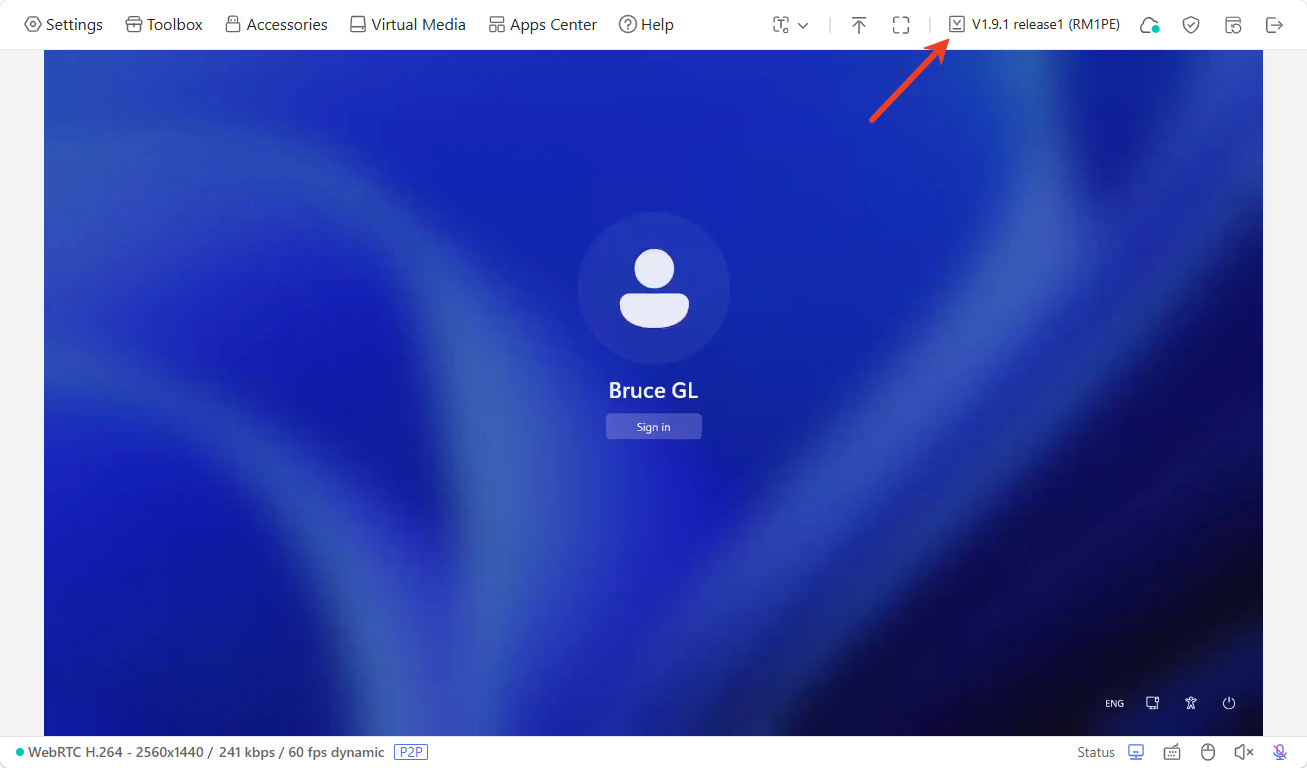
Log in to your KVM console and click the firmware version in the upper right corner to check for updates.
-
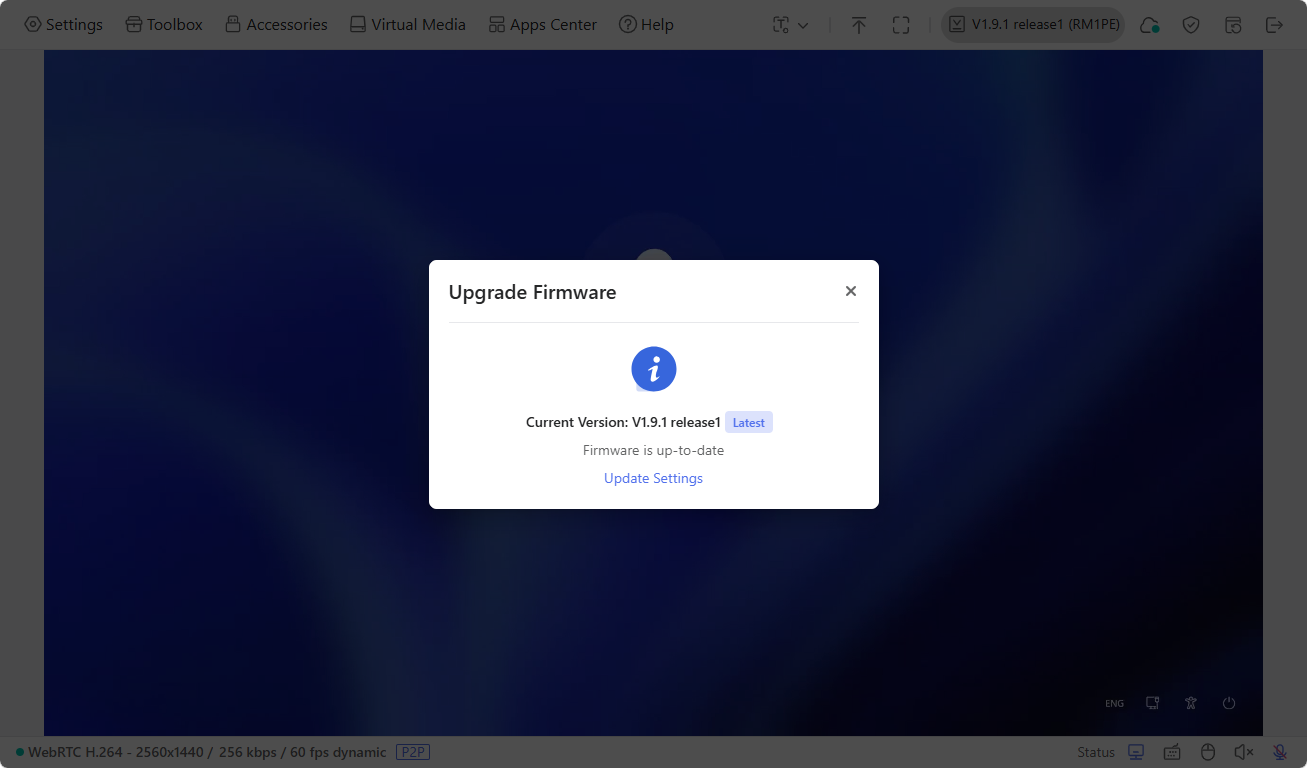
In the pop-up window, if a newer firmware is available, you can perform an online upgrade. If not, your KVM's firmware is up-to-date.
-
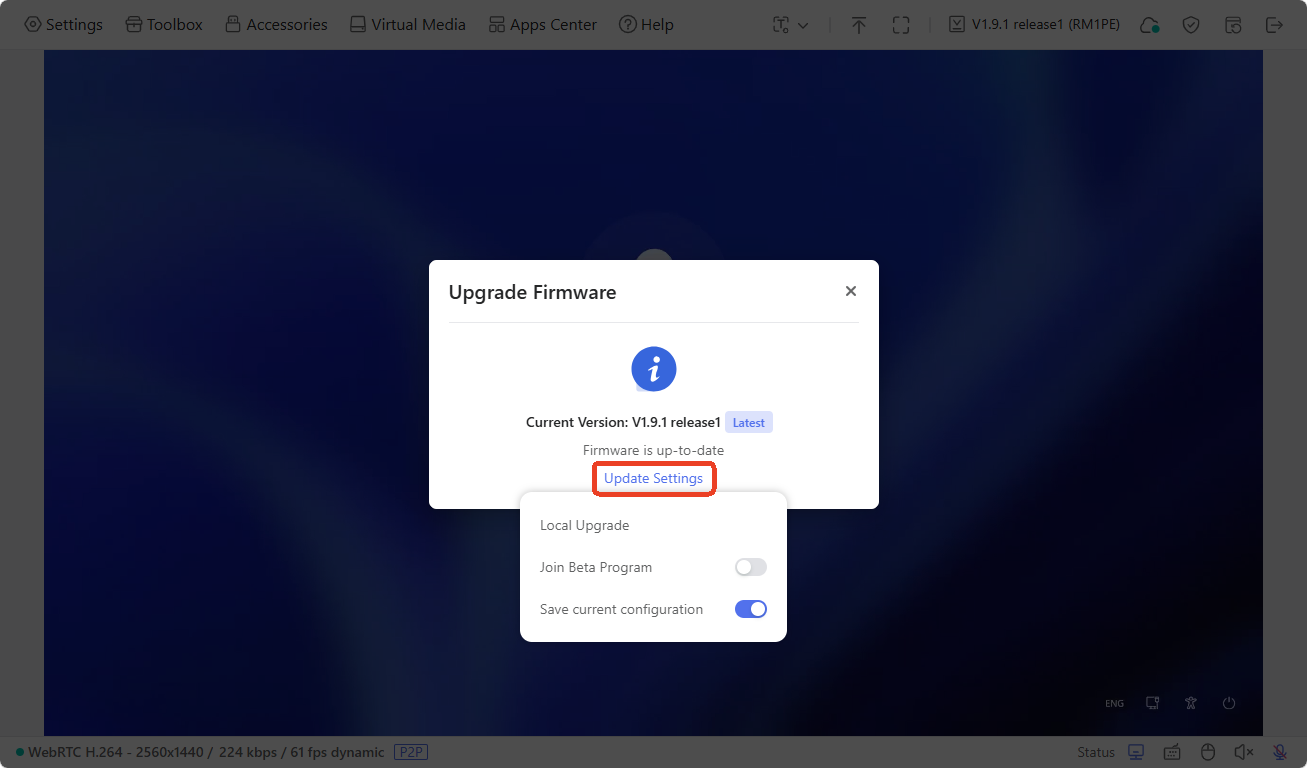
Click Update Settings to perform a local upgrade, join Beta program, or save current configuration.
-
Local Upgrade: Download the latest firmware from the Firmware Download Center before performing a local upgrade.
-
Join Beta Program: Beta firmware gives you early access to upcoming features. Note that Beta versions may be unstable and could affect device performance. Please join only if you are comfortable testing pre-release software.
-
Save current configuration: It will preserve the binding to your cloud service account.
-
Still have questions? Visit our Community Forum or Contact us.