Comet Q (GL-RMQ1) Overview
Dimension
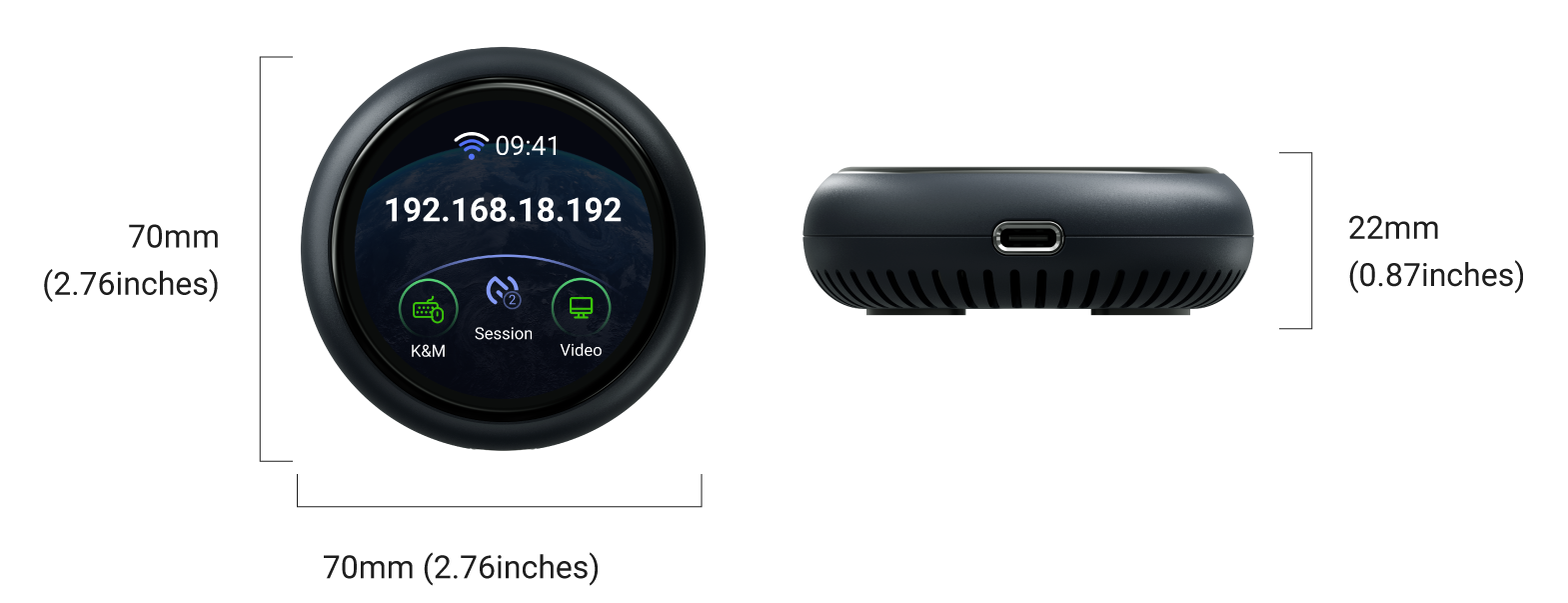
Touchscreen
| Screen Display | Description |
|---|---|
 |
Starting up Plug Comet Q's integrated USB‑C cable (attached to the bottom and can be bent out) into the target device, or connect Comet Q to an external power adapter to power it on. The GL.iNet logo appears, followed by a startup progress bar. Once the progress bar is fully loaded, the device startup is complete. |
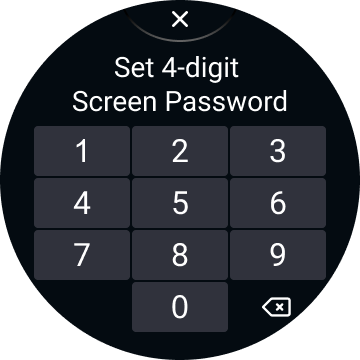 |
Set up screen password Set a 4-digit screen password for your Comet Q to protect your privacy. |
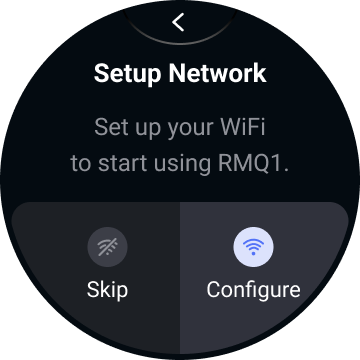 |
Set up network Connect Comet Q to a 2.4 GHz or 5 GHz Wi‑Fi network. You can configure now or skip this step to set it up later. |
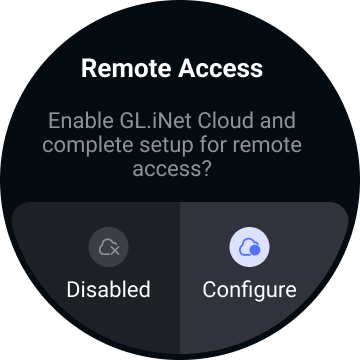 |
Enable Cloud for remote access Enable Cloud service for remote access. You can configure now or skip this step to set it up later. |
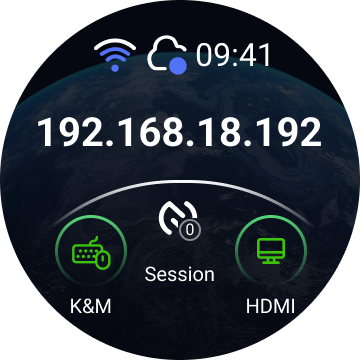 |
Home screen The home screen displays the following information. Top: Wi‑Fi connectivity status, cloud service status and system time. Middle: Comet Q's IP address (shown only when internet is connected). Bottom: Keyboard & mouse signal, session status, and video streaming signal. |
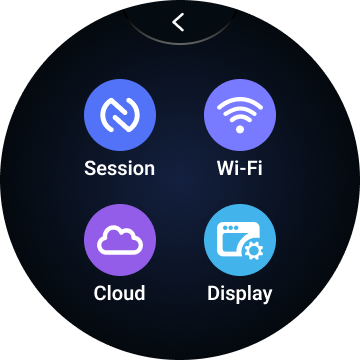 |
Basic settings On the home screen, swipe left from the right to access basic settings, including Session, Wi-Fi, Cloud, and Display. |
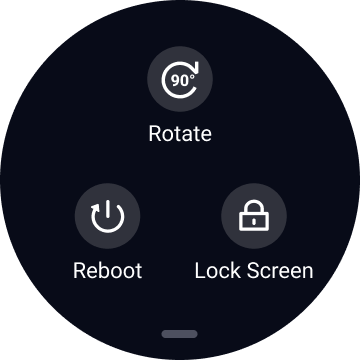 |
System Menu On the home screen, swipe down from the top to access system menu, including Rotate, Lock Screen and Reboot. |
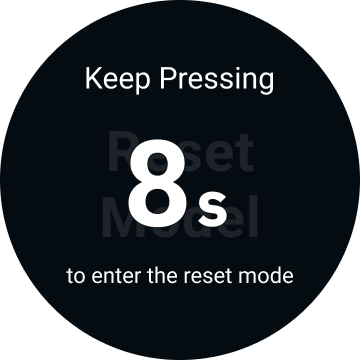 |
Factory Reset With the KVM powered on, insert a pin into the reset pinhole and hold for 8 seconds to factory reset. Release the pin within 8 seconds to cancel the reset. |
Compatibility
Comet Q works with any device whose USB-C port supports DisplayPort Alt Mode for video output. This includes, but is not limited to:
- iPhones: iPhone 15 and newer (excluding iPhone 16e, 17e and iPhone Air)
- iPads: All iPad Pro (2018 and newer), iPad Air (4th generation and newer), iPad mini (6th generation and newer), and iPad (10th generation and newer)
- Android phones (Samsung as example): Samsung Galaxy S8 and newer, Galaxy Note 8 and newer, Galaxy Z Fold/Flip series, and Galaxy Tab S series
- Laptops & mini PCs: Most models with a USB-C port that supports video output, including MacBooks, Mac mini, and most modern Windows laptops
Package Contents
- 1 x Comet Q (GL-RMQ1)
- 1 x User manual
- 1 x Protective sleeve
Watch the unboxing video below.
Last update:
July 28, 2026