Comet X (GL-RM4PE) Overview
Appearance
Interface
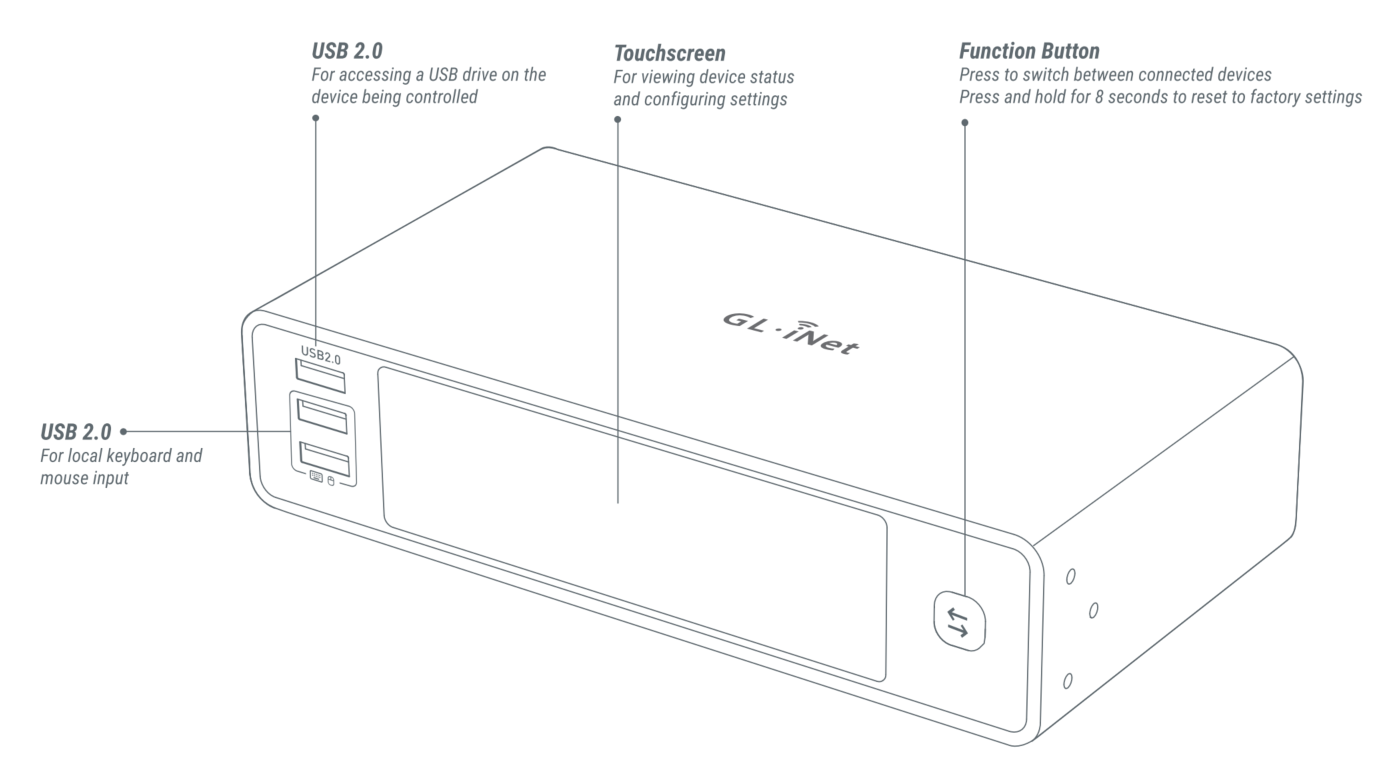
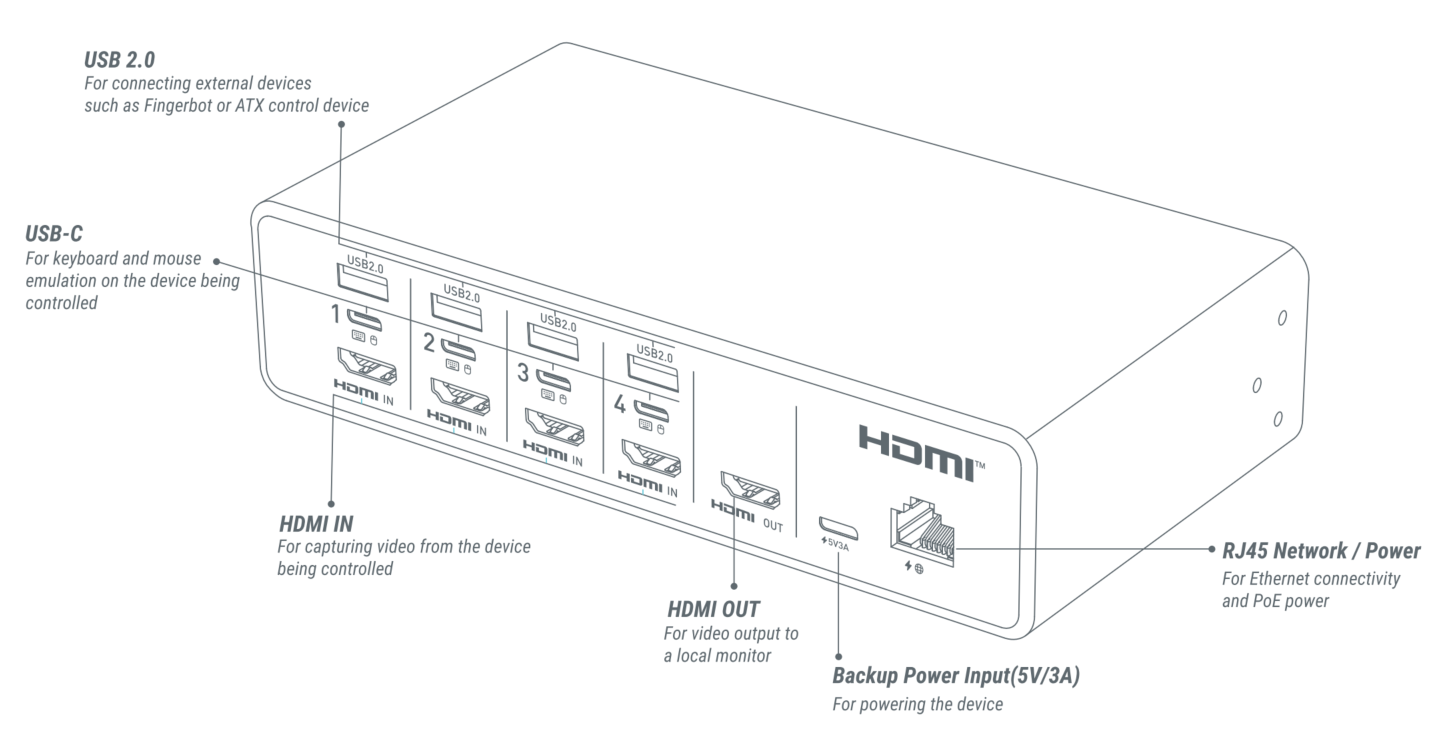
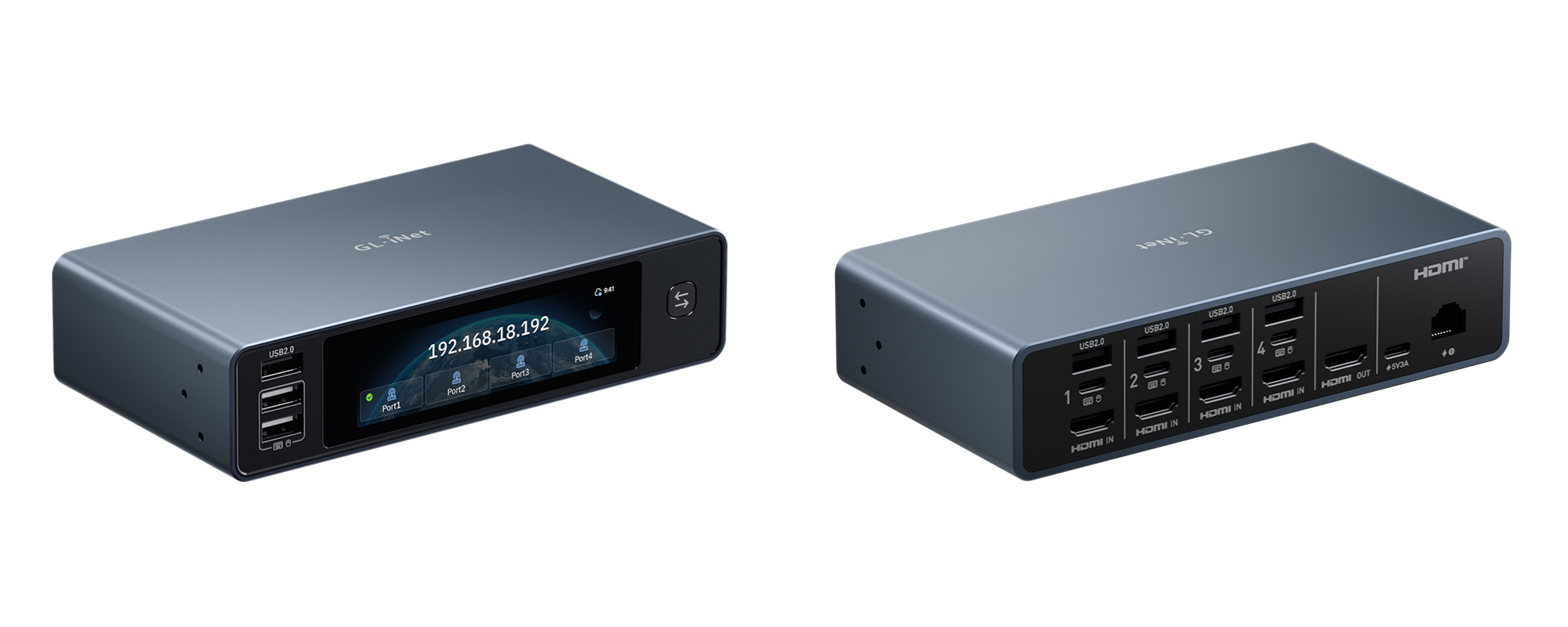
Comet X can connect to four target devices simultaneously, though only one device can be controlled at a time. You can quickly switch between the four connected devices via the physical button on the front panel when on site, or via the remote console when away.
It features four independent channels on the rear panel; each channel comes with an HDMI port for video signal transmission, a Type-C port for keyboard and mouse signal transmission, and a USB 2.0 port for USB peripherals (e.g., Fingerbot or ATX board).
Touchscreen
| Screen Display | Description |
|---|---|
 |
Starting up Power on your Comet X. The GL.iNet logo appears, followed by a startup progress bar. Once the progress bar is fully loaded, the device startup is complete. |
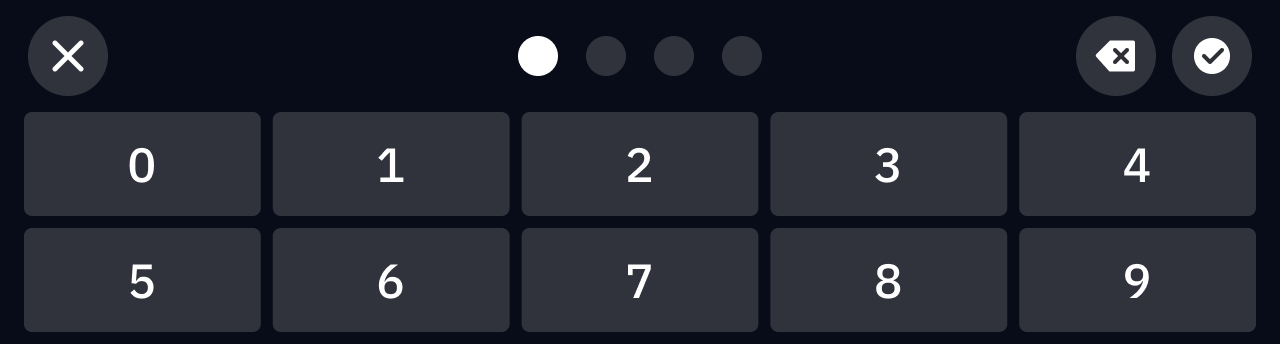 |
Set up screen password Set a screen password for your Comet X to protect your privacy. |
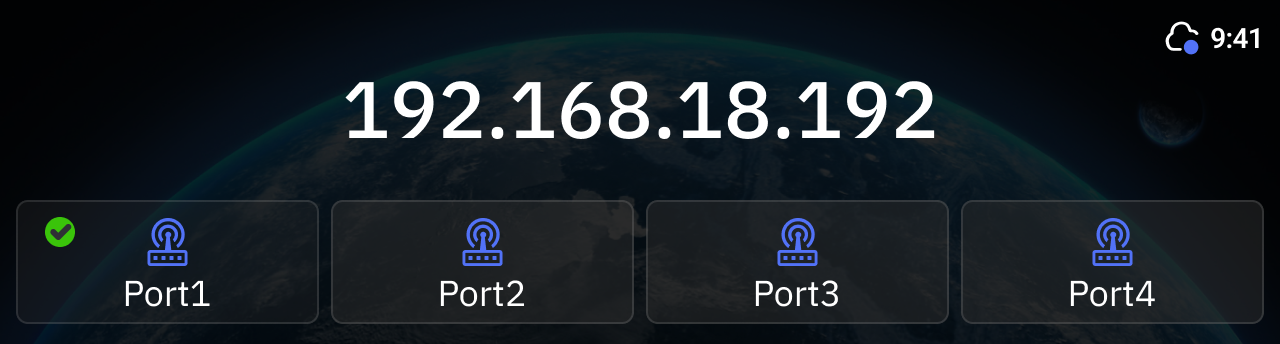 |
Home screen Top-right: Cloud status and system time. Middle: Device IP address, shown only when it connects to Internet. Bottom: Four ports corresponding to four signal sources. Blue indicates a physical connection; Green checkmark indicates that this port is in use. |
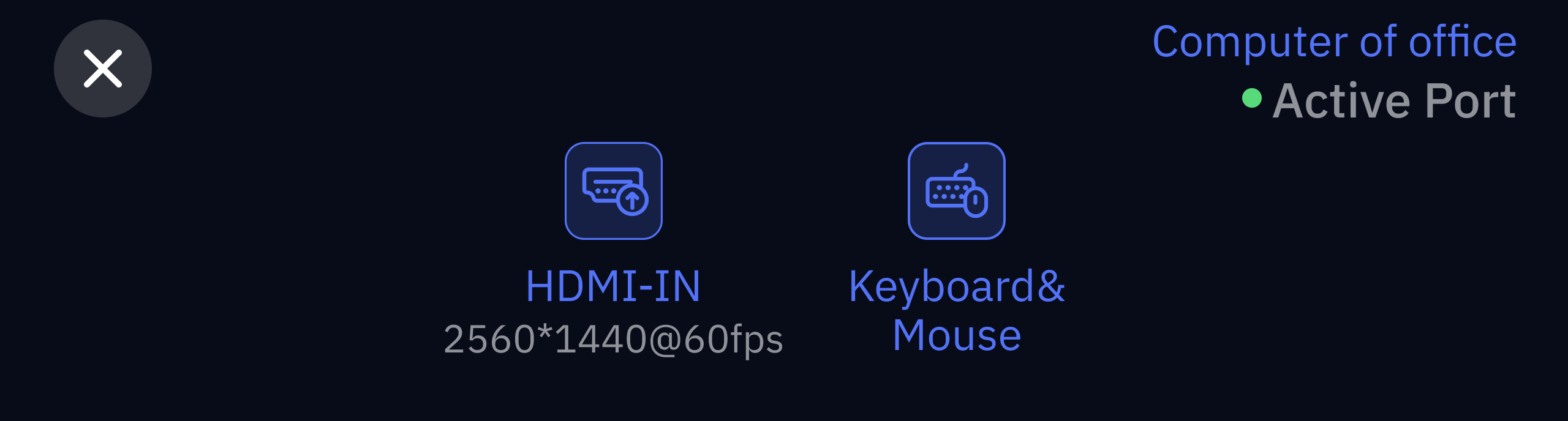 |
Active Signal Port On the home screen, tap an active port to view HDMI resolution, keyboard, and mouse signal status. |
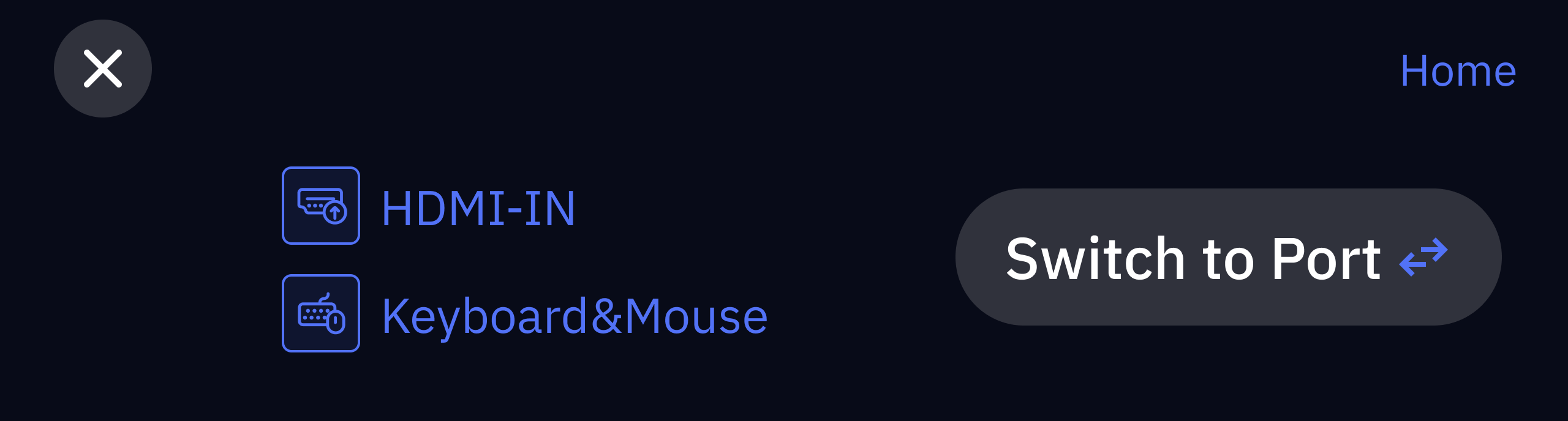 |
Switch Signal Port On the home screen, tap an inactive port to view HDMI, keyboard, and mouse signal status, or switch to this port as the signal source. |
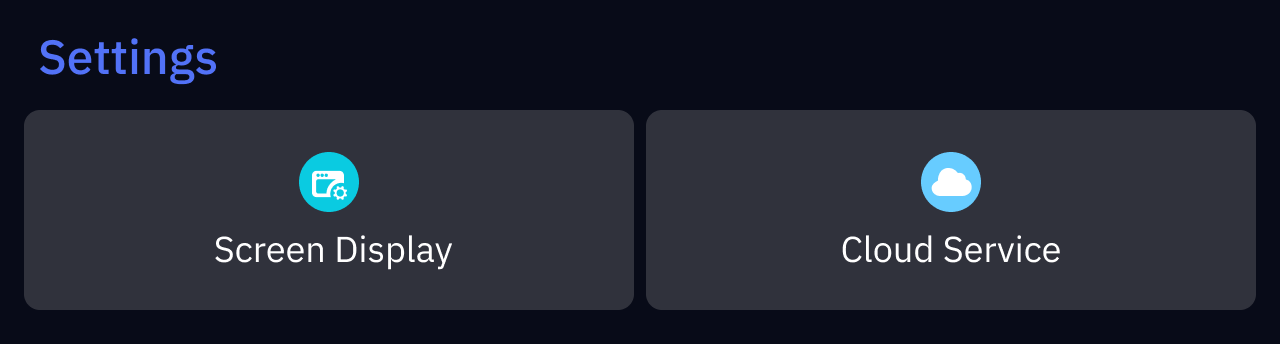 |
Basic settings On the home screen, swipe left from the right to access basic settings, including Screen Display and Cloud Service. |
 |
System Menu On the home screen, swipe down from the top to access system menu, including Reboot and Lock Screen. |
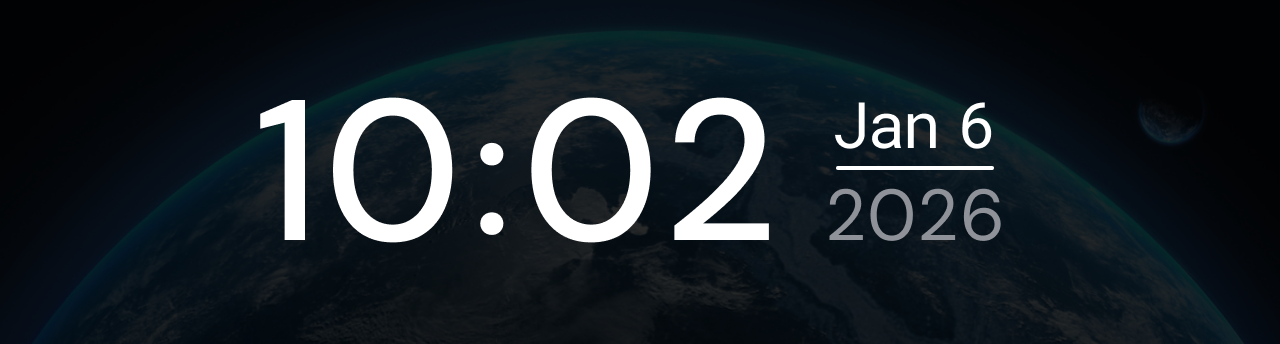 |
Lock screen The lock screen displays the time and date. |
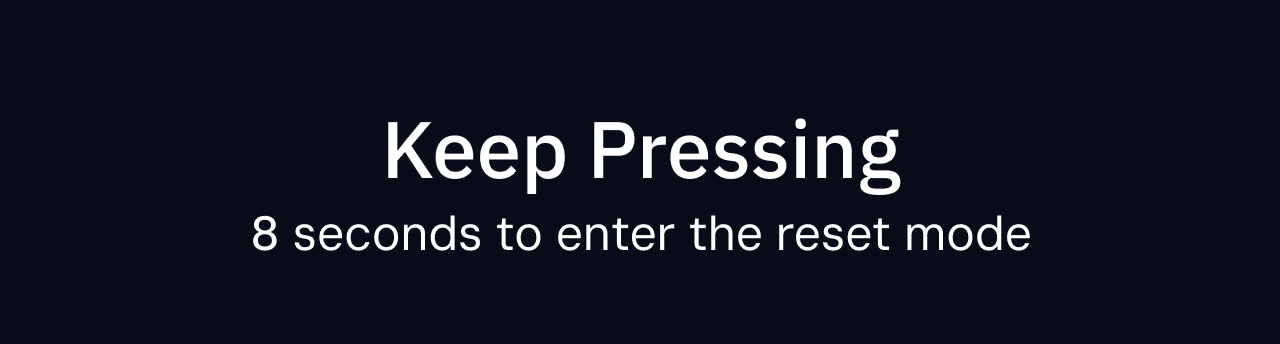 |
Factory Reset With the KVM powered on, long press the switch button on the front panel for 8 seconds to factory reset. Release the button within 8 seconds to cancel the reset. |
Last update:
September 22, 2026