Firmware v4.10
This release includes improvements to Cloud Services, more flexible network configuration options, and a more user-friendly interface for a better overall experience.
Get the latest firmware from the Firmware Download Center.
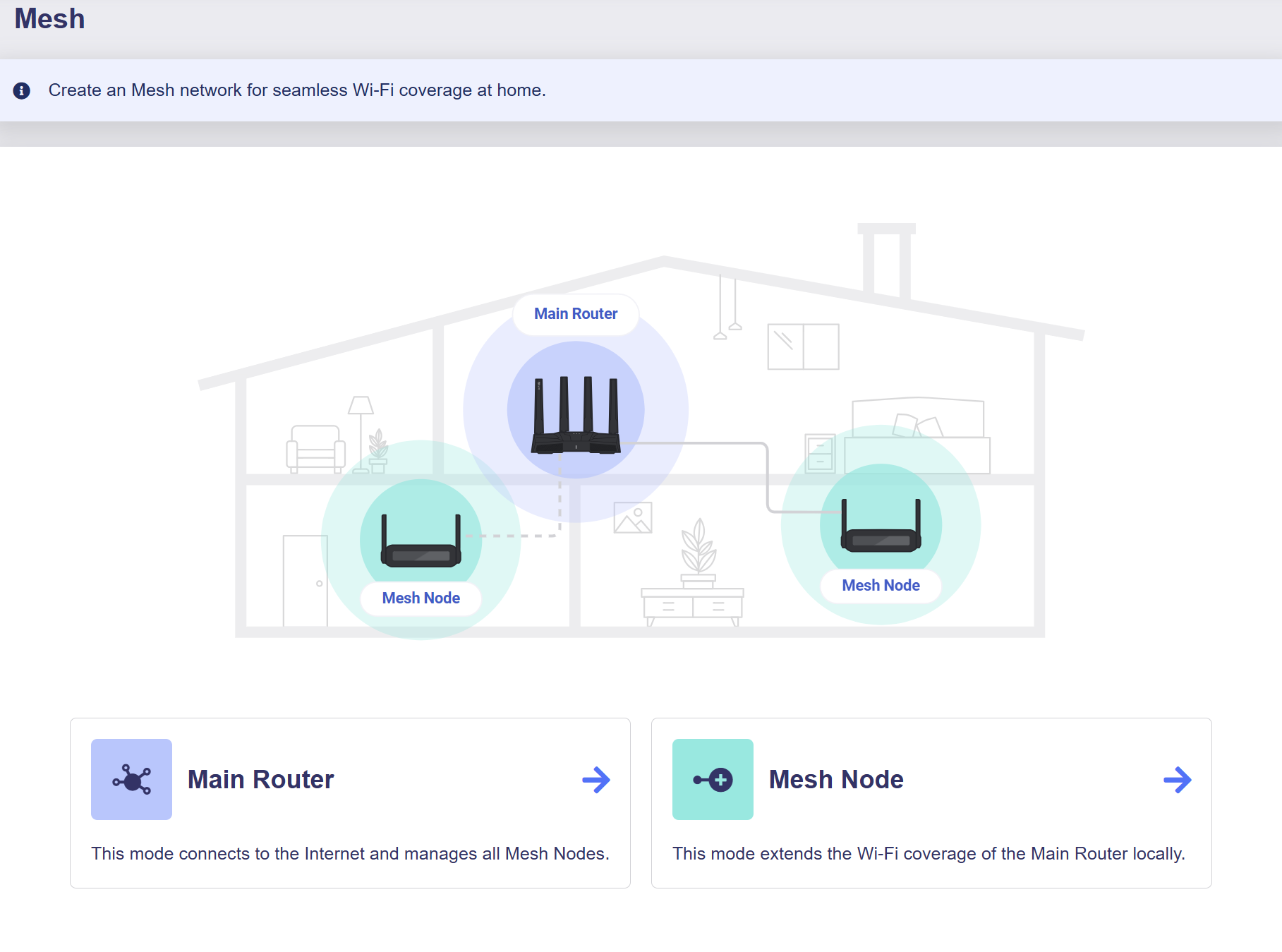
Mesh
Mesh is a feature based on the Wi-Fi EasyMesh™ standard that extends whole-home Wi‑Fi coverage and enables seamless roaming. If you have multiple GL.iNet routers, set one as the main router and the rest as mesh nodes for seamless Wi-Fi roaming around your home.
Cloud Services
Cloud Services is a suite of cloud-based features built into the router and managed centrally through your GL.iNet Account. It enables real-time status monitoring, remote device management, batch firmware deployment, and secure remote access. In firmware v4.10, this module provides enhanced unified cloud management.
The Cloud Services module includes GL.iNet Account, GoodCloud, and GoodPAS.
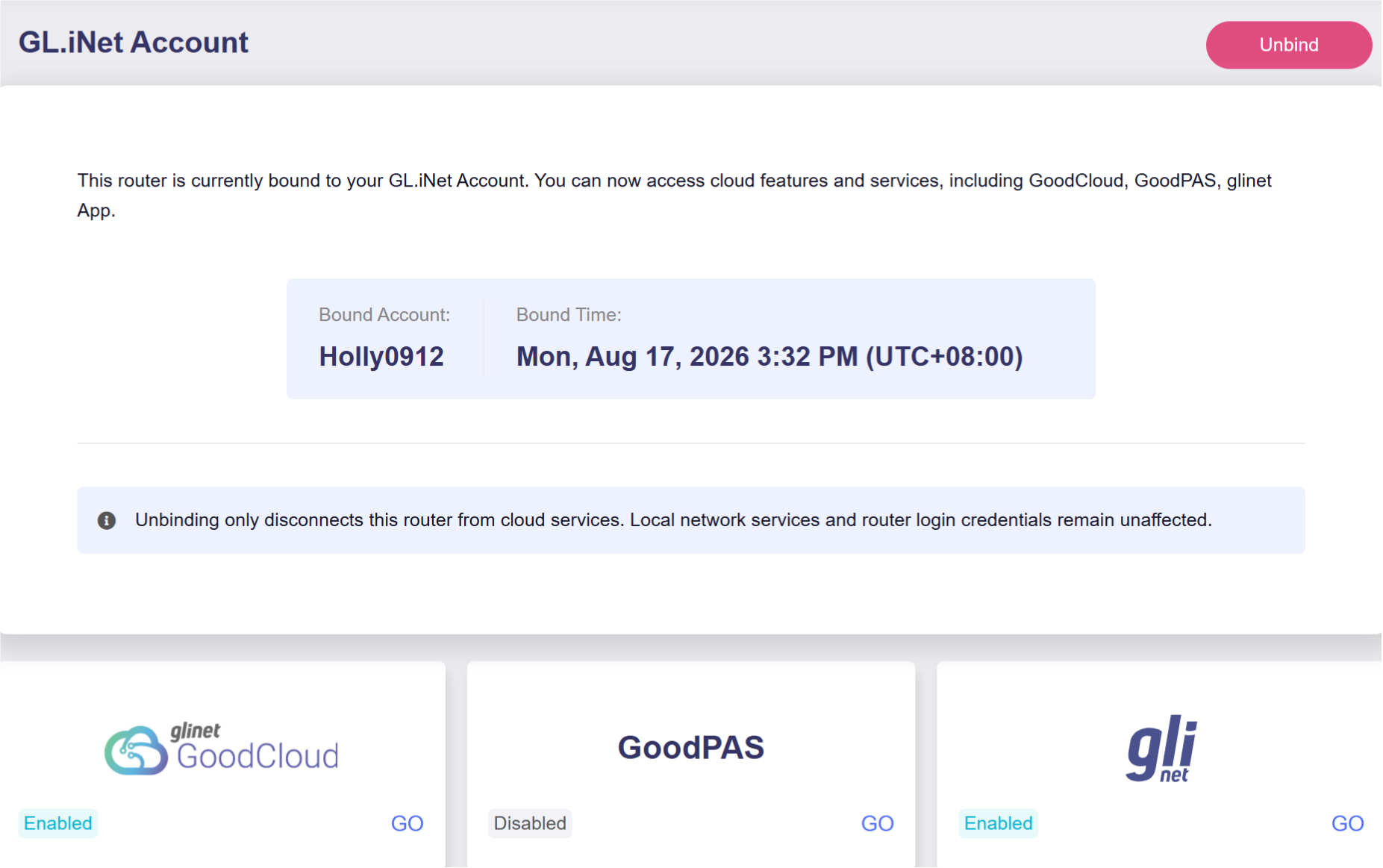
GL.iNet Account
The GL.iNet Account provides a centralized profile page where you can connect or manage your devices and access cloud services. With a single GL.iNet Account, you can seamlessly access GoodCloud, GoodPAS and the GL.iNet App for more convenient network management.
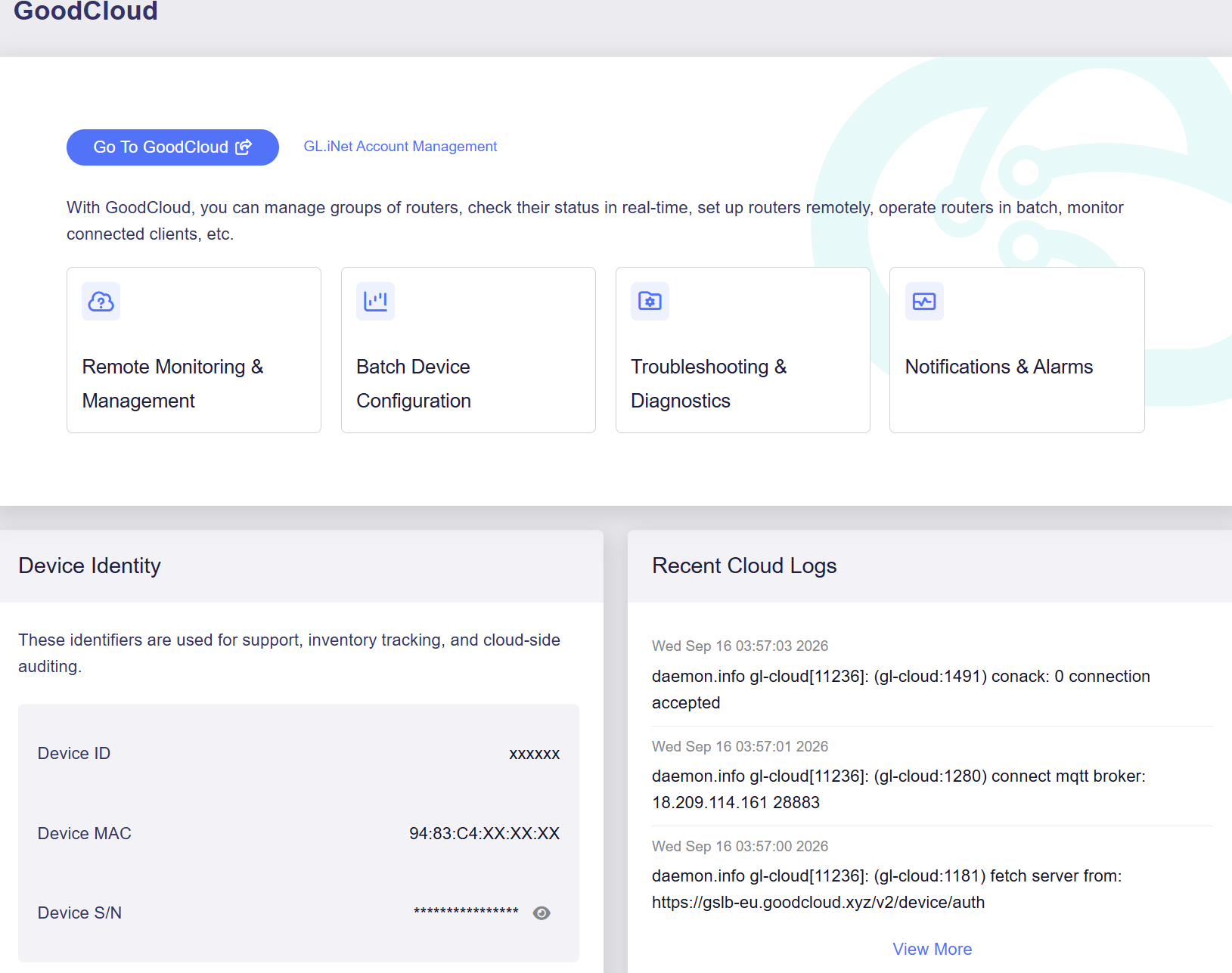
GoodCloud
GoodCloud is a cloud platform for remotely deploying and managing GL.iNet routers. It centralizes devices across multiple locations and supports batch configuration and firmware upgrades. It also provides remote access to the web Admin Panel and the device terminal via SSH, making it easier to manage routers remotely.
In firmware v4.10, GoodCloud simplifies account binding and lets you clear cloud account data during a factory reset.
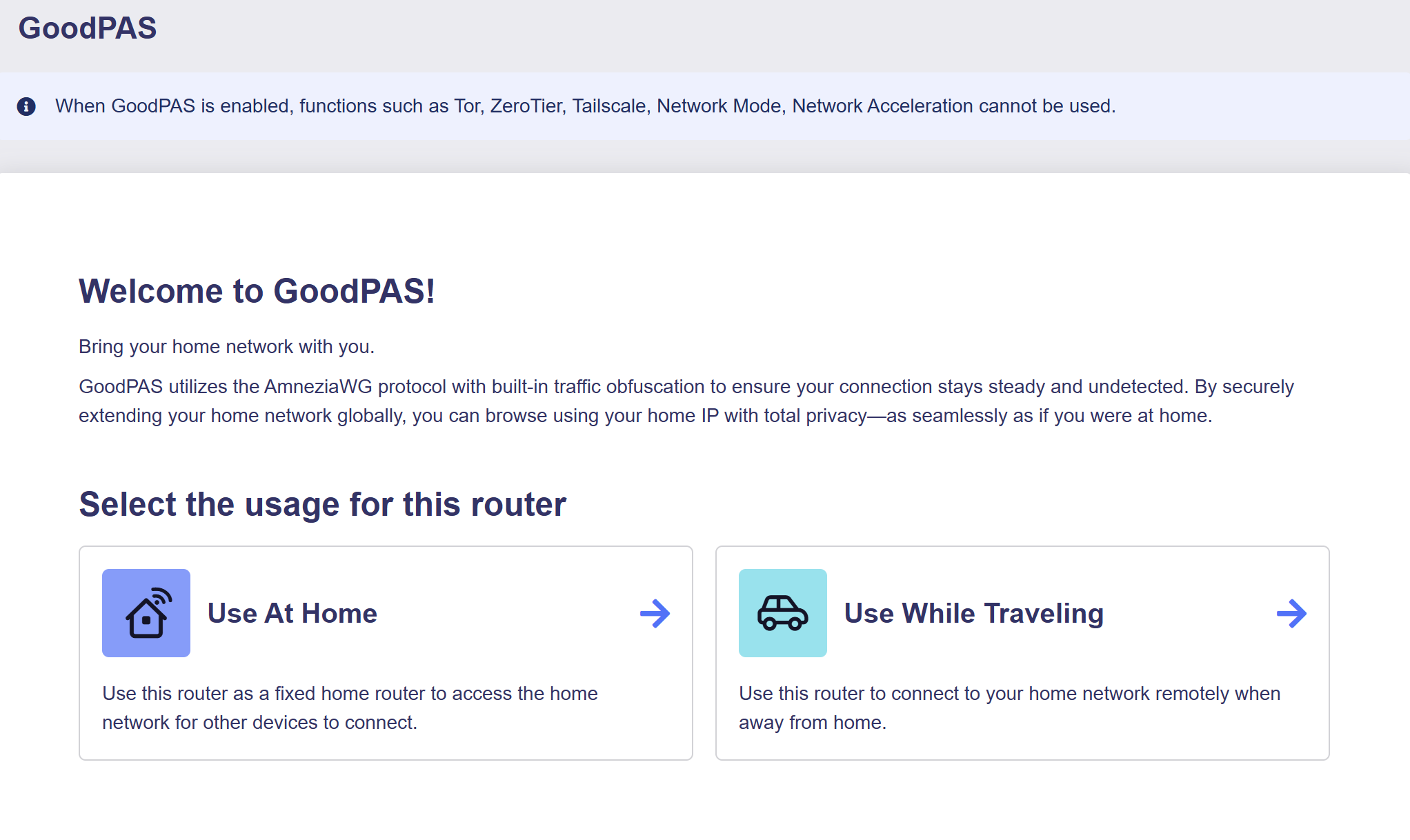
GoodPAS
GoodPAS is an advanced remote access solution integrated into the GL.iNet router SDK. Built on the AmneziaWG protocol, it enables secure access to a home network through simple device pairing, without requiring account registration or user login.
Subnet
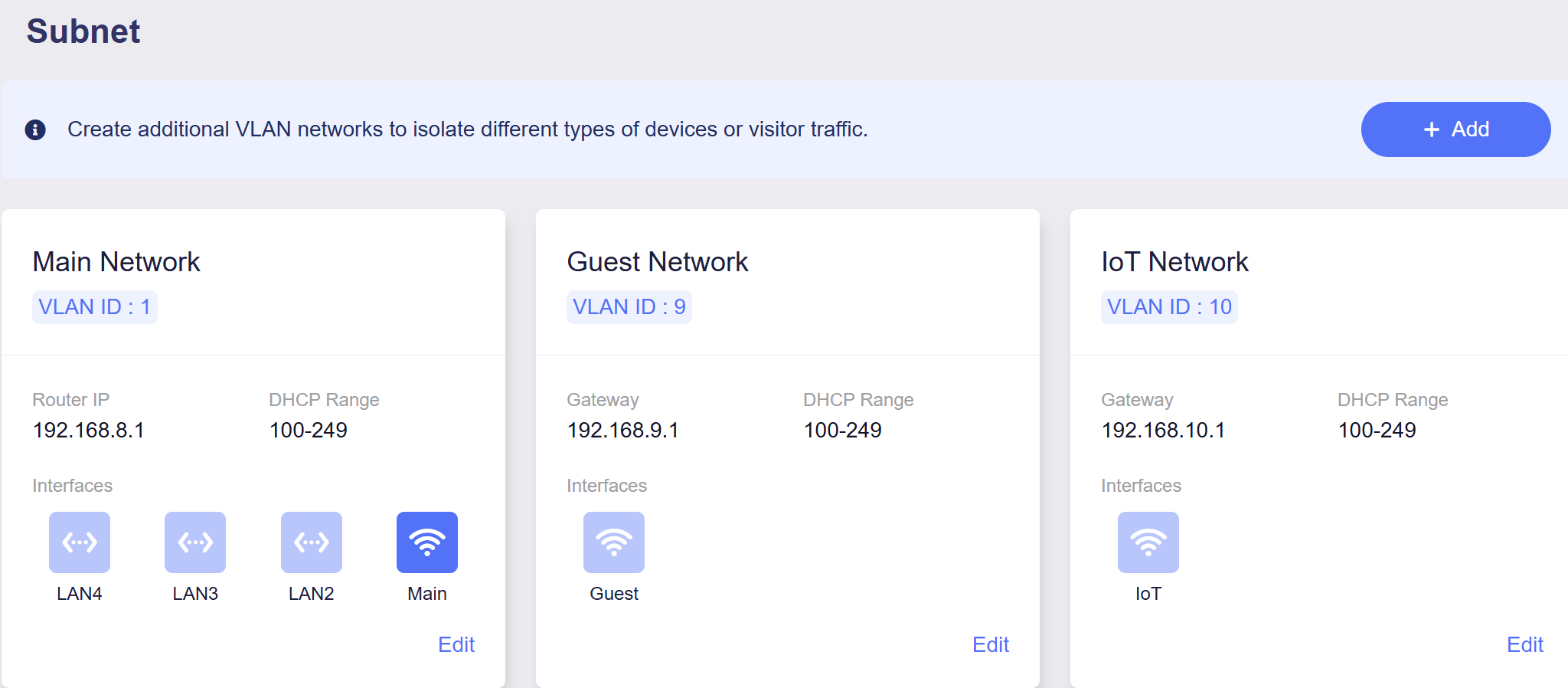
The Subnet consolidates the configuration of LAN, Guest Network, IoT Network, and custom VLAN Networks into a single unified view. It provides a centralized management interface for all subnet-related settings, allowing you to create and manage multiple subnets to isolate different types of devices or traffic.
The following figure shows the Subnet on the Flint 3 (GL-BE9300).
Ethernet Port
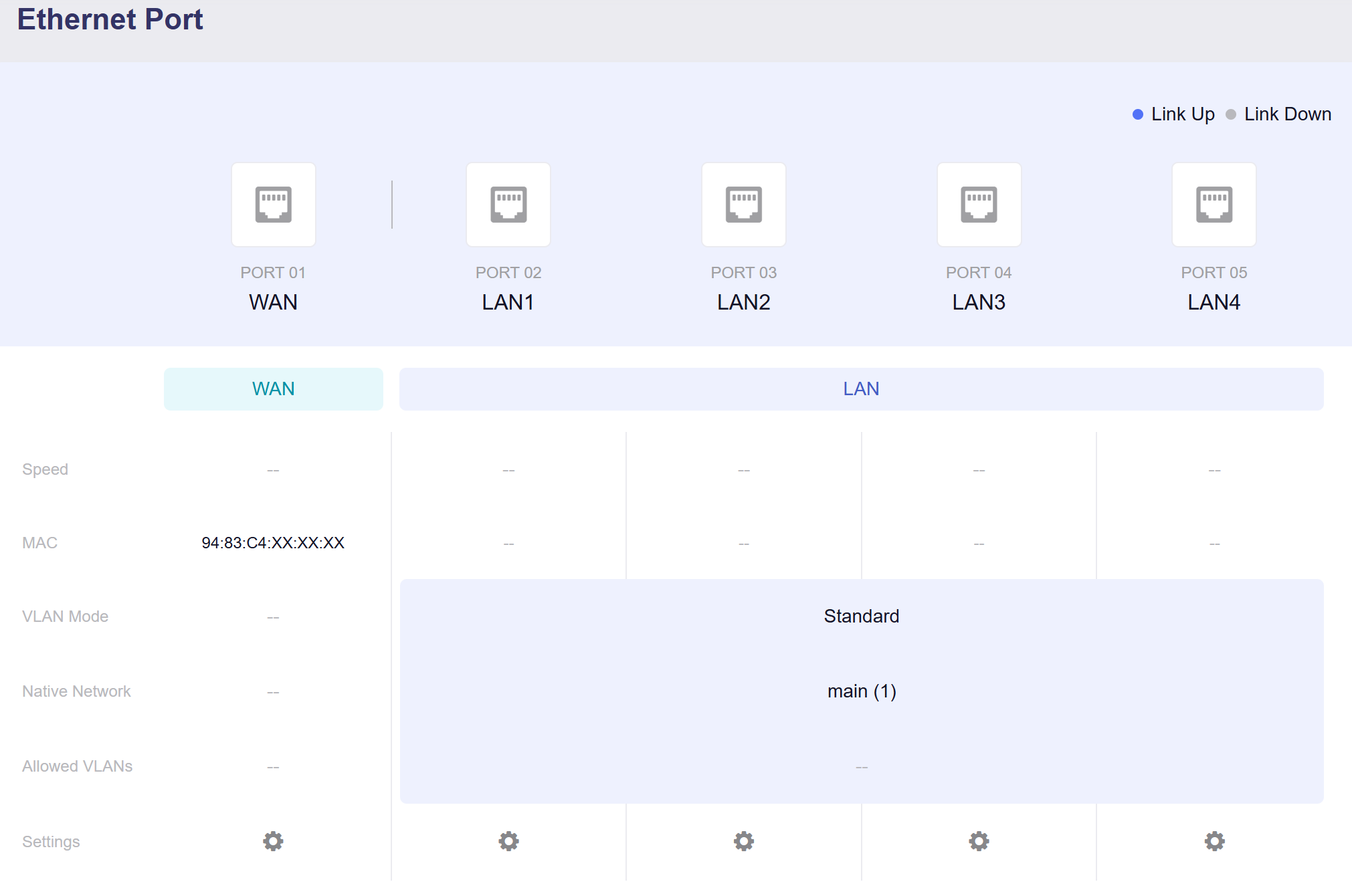
The Ethernet page displays all Ethernet interfaces on the router. It allows you to check connection status, switch ports between WAN and LAN roles, and view details such as the MAC address, negotiated speed, and link status. Physical interfaces can also be assigned to subnets you have created.
The following figure shows the Ethernet Port on the Flint 3 (GL-BE9300).
Still have questions? Visit our Community Forum or Contact us.