Bark
This guide applies to firmware v4.9 and later. For earlier versions, please click here.
The Bark service can help protect your child's digital world and provide comprehensive online protection. It typically requires a paid subscription. However, as part of our partnership with Bark, GL.iNet offers the Bark Home plan for free on select router models, providing advanced monitoring and alerts at no extra cost.
Note:
-
The Bark service is available only in the United States, Australia, and South Africa. Click here for details.
-
Bark and GL.iNet Parental Control cannot be enabled simultaneously, as this may trigger conflicts.
Supported Models
Supported Models
- GL-MT6000 (Fortify)
- GL-BE14000 (Flint 4)
- GL-BE6500 (Flint 3e)
- GL-BE9300 (Flint 3)
- GL-B3000 (Marble)
- GL-MT6000 (Flint 2)
Unsupported Models
- GL-BE10000 (Slate 7 Pro)
- GL-MG1300 (Mango 2)
- GL-E5800 (Mudi 7)
- GL-MT5000 (Brume 3)
- GL-MT3600BE (Beryl 7)
- GL-BE3600 (Slate 7)
- GL-X2000 (Spitz Plus)
- GL-X3000 (Spitz AX)
- GL-XE3000 (Puli AX)
- GL-AX1800 (Flint)
- GL-MT2500/GL-MT2500A (Brume 2)
- GL-MT3000 (Beryl AX)
- GL-AXT1800 (Slate AX)
- GL-A1300 (Slate Plus)
- GL-SFT1200 (Opal)
- GL-MT1300 (Beryl)
- GL-E750/E750V2 (Mudi)
- GL-X750/GL-X750V2 (Spitz)
- GL-AR750S (Slate)
- GL-XE300 (Puli)
- GL-MT300N-V2 (Mango)
- GL-AR300M Series (Shadow)
- GL-B1300 (Convexa-B)
- GL-AP1300 (Cirrus)
- GL-X300B (Collie)
Quick Setup
Log in to the router's web admin panel and navigate to APPLICATIONS -> Bark.
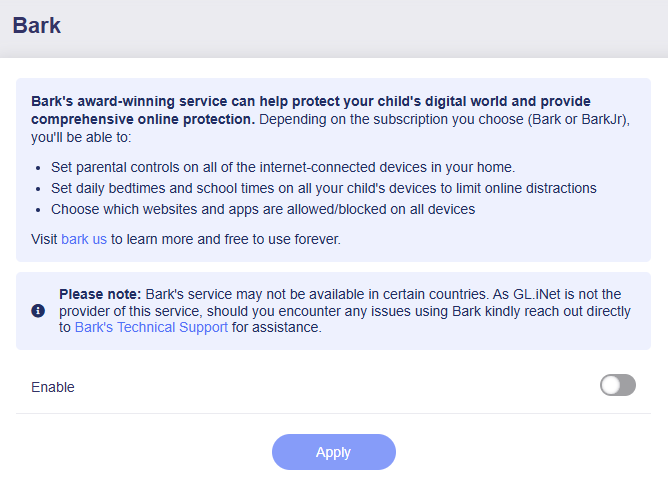
Toggle the switch to enable Bark, then click Apply.
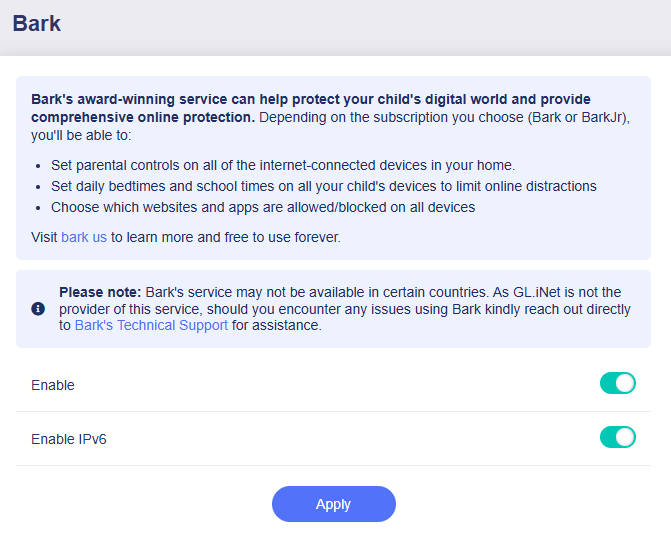
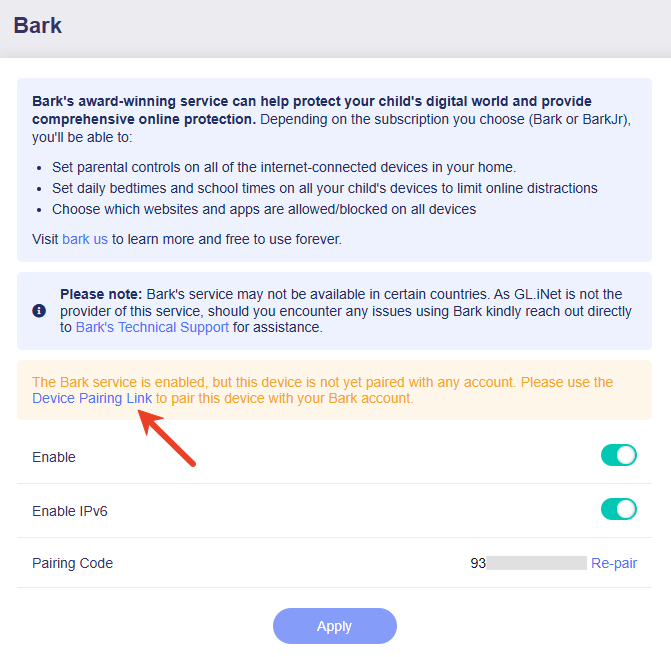
Next, pair your device with your Bark account. Click Device Pairing Link to pair this router with your Bark account.
You will be redirected to the Bark website. Follow the on-screen instructions to log in, pair your device, create a profile and finish the initial setup.
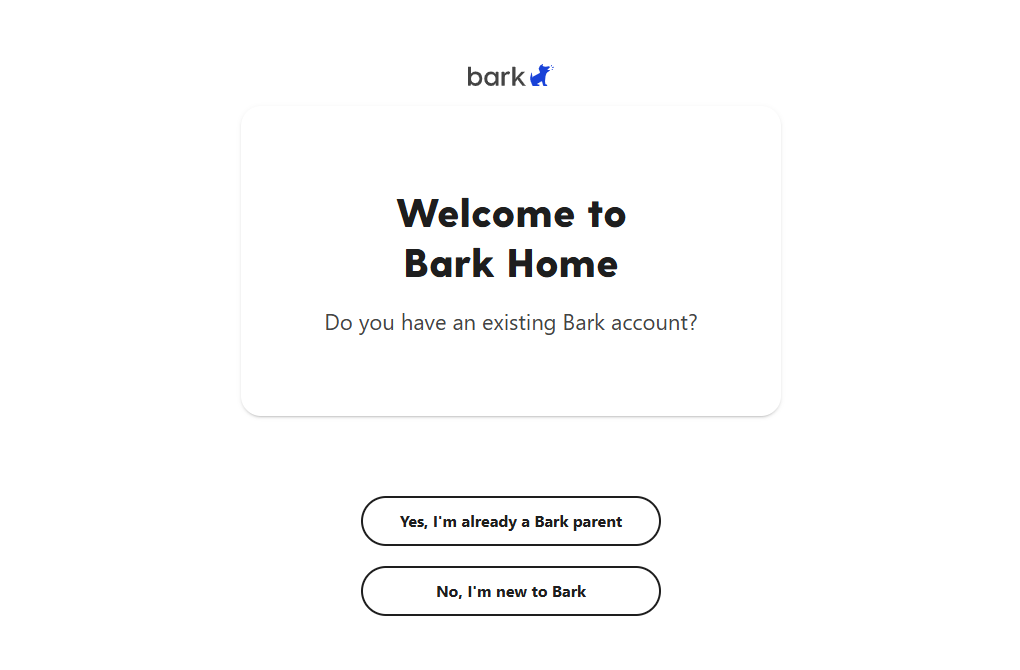 (Bark login)
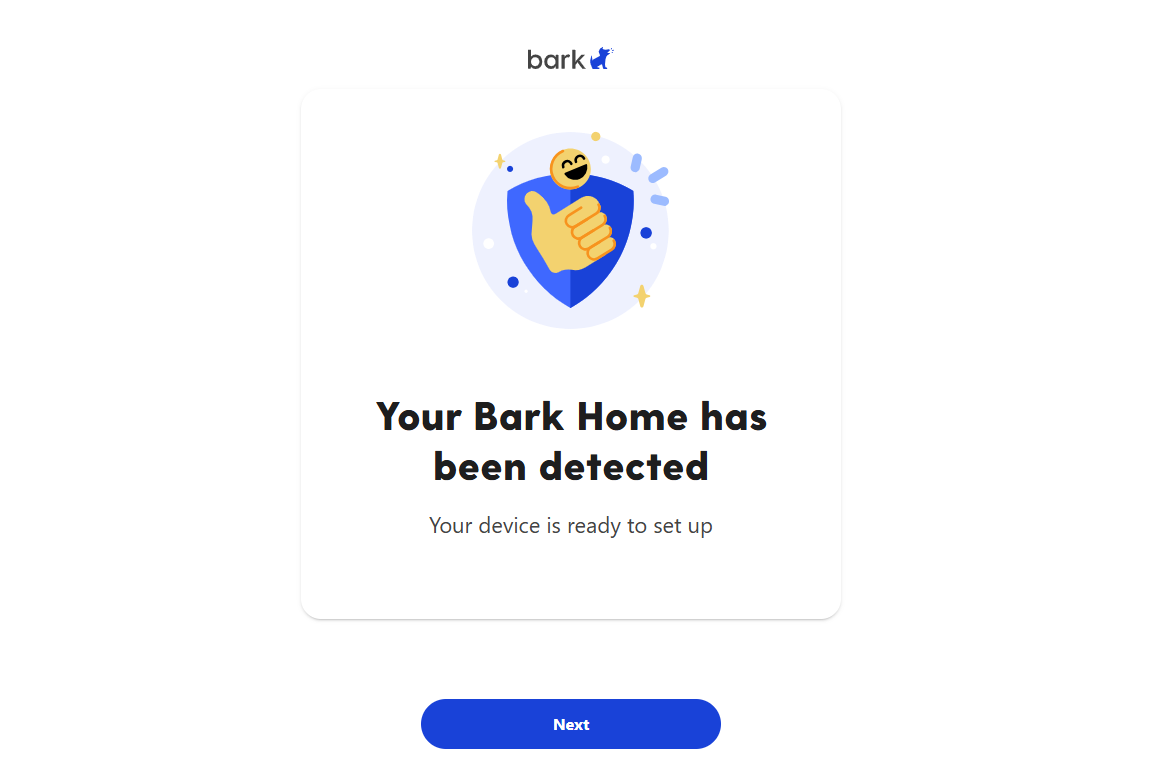 (Device paired)
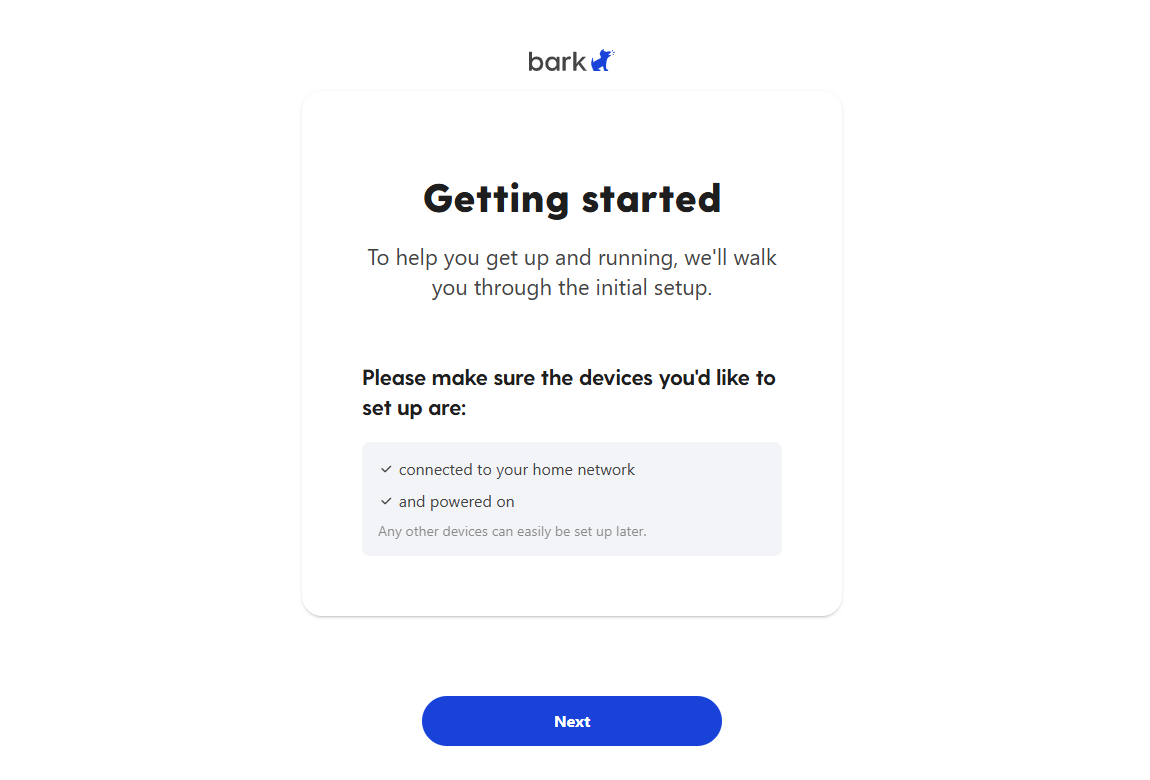 (Initial setup)
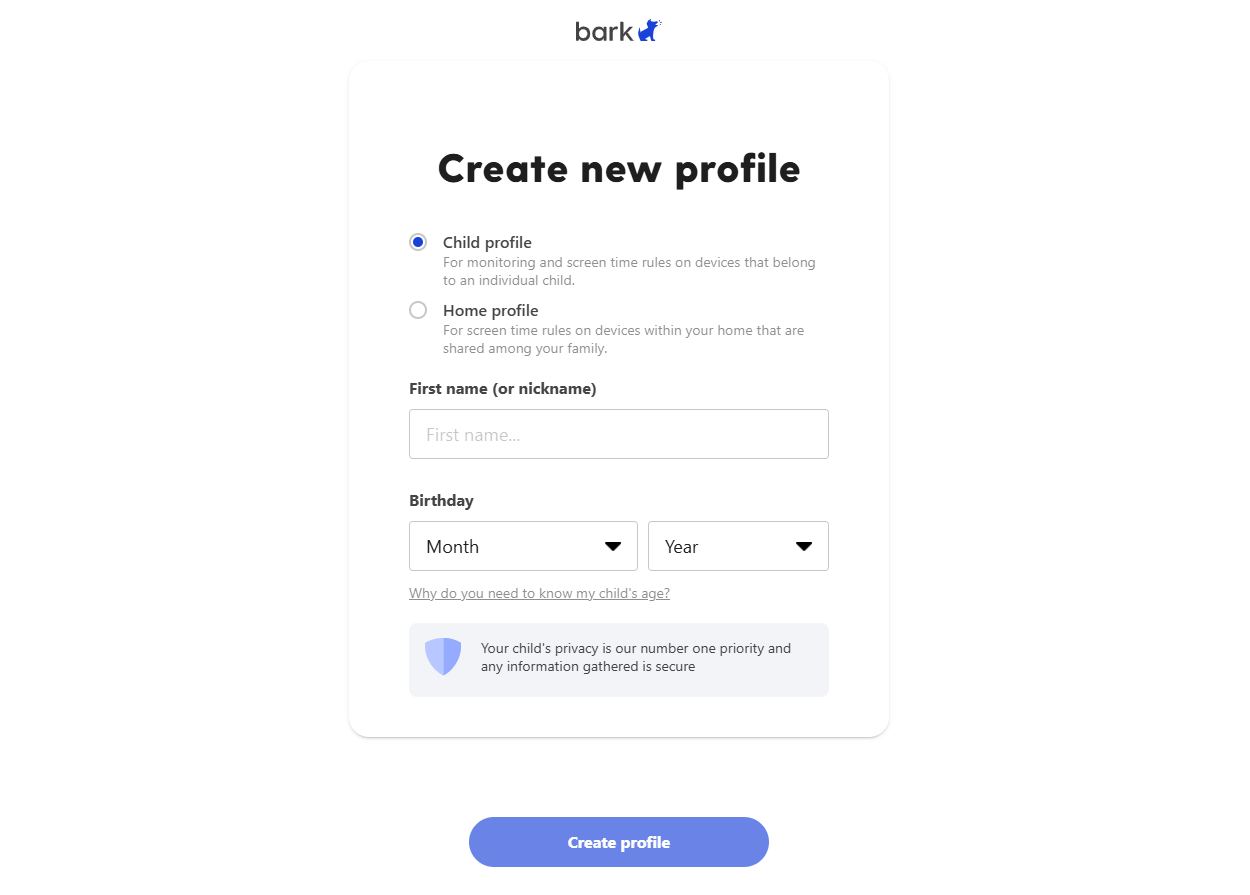 (Create a profile)
Once your device connects to Bark Cloud services and is paired with your account, the router's web Admin Panel will be displayed as follows.
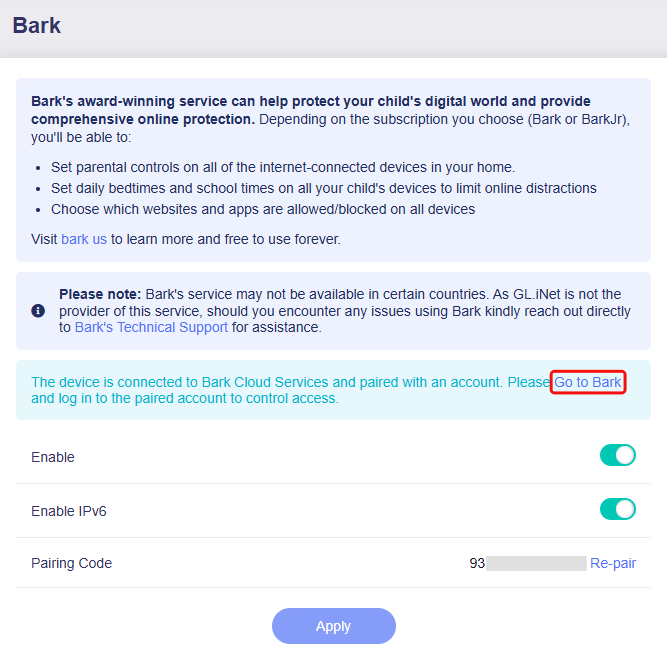
Click Go to Bark or here to log in to the Bark dashboard and set up your parental control rules.
Since GL.iNet is not the provider of this service, should you encounter any issues while using Bark, kindly reach out directly to Bark's Technical Support for assistance.