Admin Password
Note: This page was merged into Security starting with firmware v4.3, and has been restored as a standalone page since firmware v4.9.
This page allows you to set or change the password for the router's administrative interface.
On the left side of the web Admin Panel, go to SYSTEM > Admin Password.
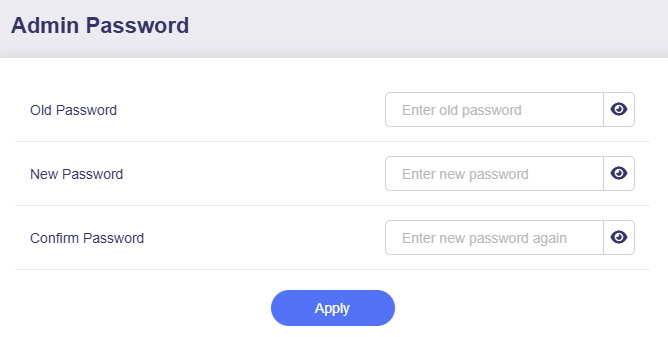
Change the login password for your router's web Admin Panel. Your current password is required to make changes.
The admin password must meet the following requirements:
- Minimum 10 characters and maximum 63 characters.
- Letters (case sensitive), numbers and symbols
! @ # $ % ^ & * ( ) _ + - = , . > < | ? / \ [ ] { } : ; " ' ` ~are allowed. - At least two of uppercase letters, lowercase letters, numbers, and symbols are required.
Still have questions? Visit our Community Forum or Contact us.