Network Quality
Note: This feature was introduced in firmware v4.11.
On the left side of the web Admin Panel, go to FLOW CONTROL -> Network Quality.
The Network Quality dashboard monitors your internet connection quality in real time. It evaluates responsiveness, latency, and DNS performance while detecting connection drops and packet loss. These metrics help you identify network instability and connectivity issues that bandwidth tests alone may not reveal.
On this page, you can evaluate your internet connection using the Network Quality Score and run local speed tests as needed.
Note:
-
The overall GL.iNet Network Quality Score is calculated by the weighted formula:
Overall Score = Response Score × 60% + Reliable Score × 40%. -
Speedtest is a local speed test on the router and is subject to rate limiting rules from features such as SQM and QoS.
Network Quality Score
This section displays the overall Network Quality Score, which is calculated from the Response Score and Reliable Score. You can view each score separately. The panel also shows related metrics, including latency, jitter, and packet loss, alongside real-time download and upload rates in KB/s. By default, the dashboard uses google.com as the target for internet connectivity checks and DNS resolution tests.
Click the settings icon to configure the probe targets.
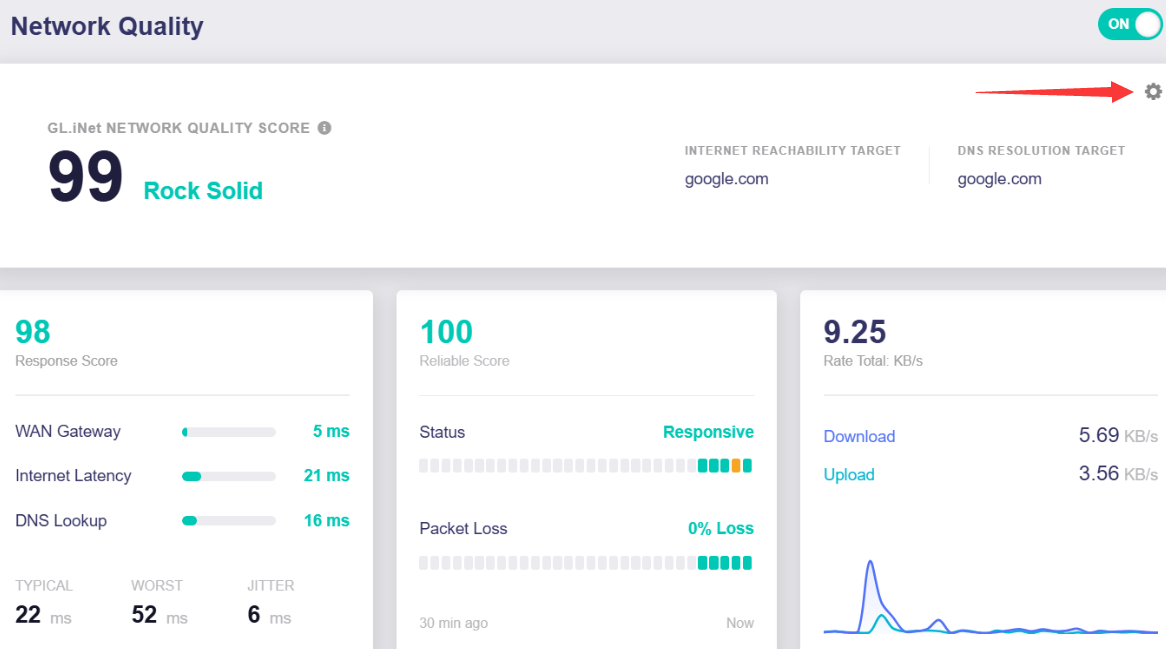
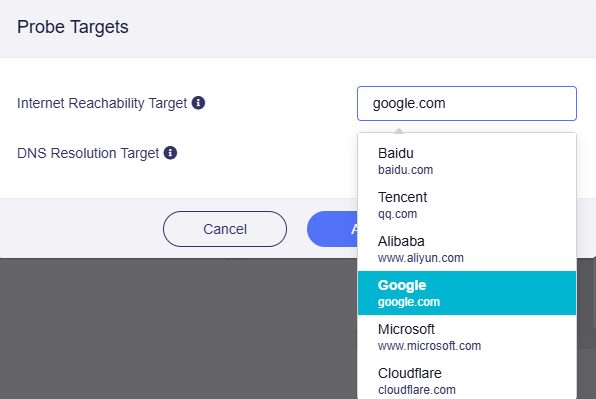
You can select probe targets for Internet Reachability and DNS Resolution, including Baidu, Tencent, Alibaba, Google, Microsoft, or Cloudflare. You may also manually enter a custom domain.
The configured targets are used to run connectivity and DNS tests and calculate the Network Quality Score.
-
Internet Reachability Target: Used to probe internet connectivity and measure end-to-end latency (Hop2 ping target).
-
DNS Resolution Target: The domain resolved during DNS lookup probes. Both A(IPv4) and AAAA(IPv6) records are queried.
Speedtest
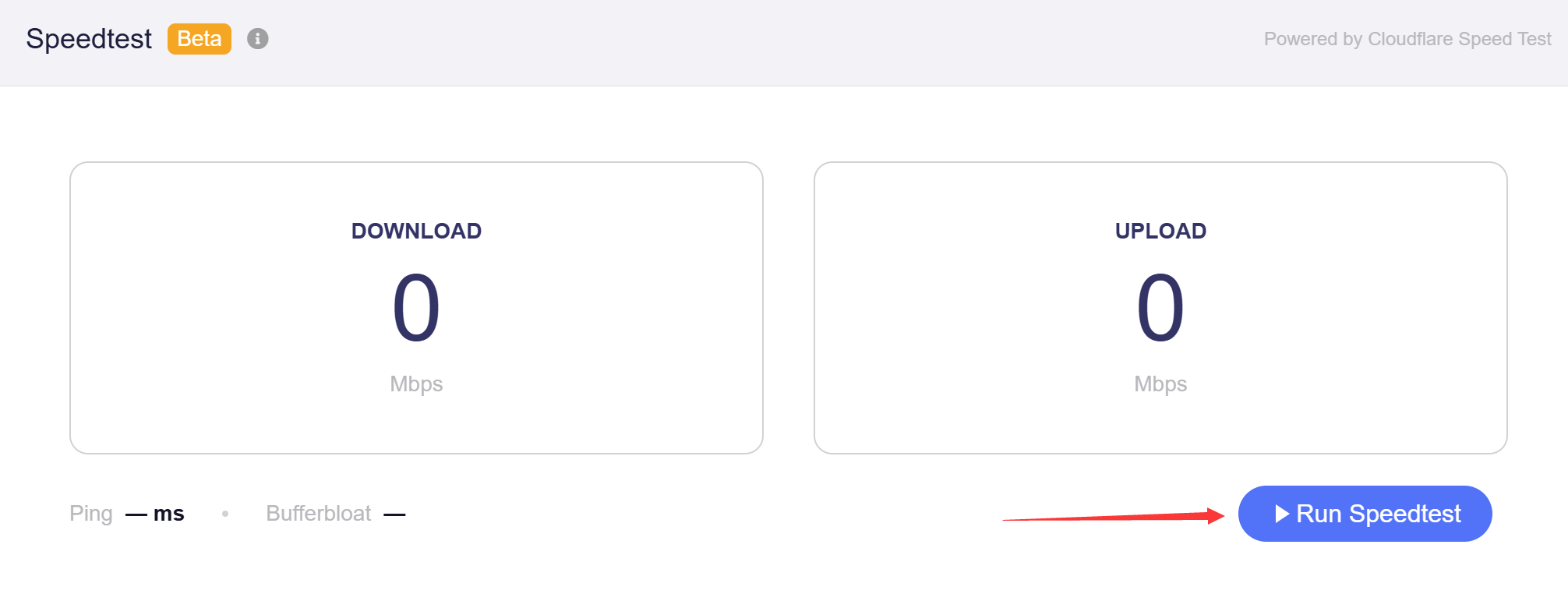
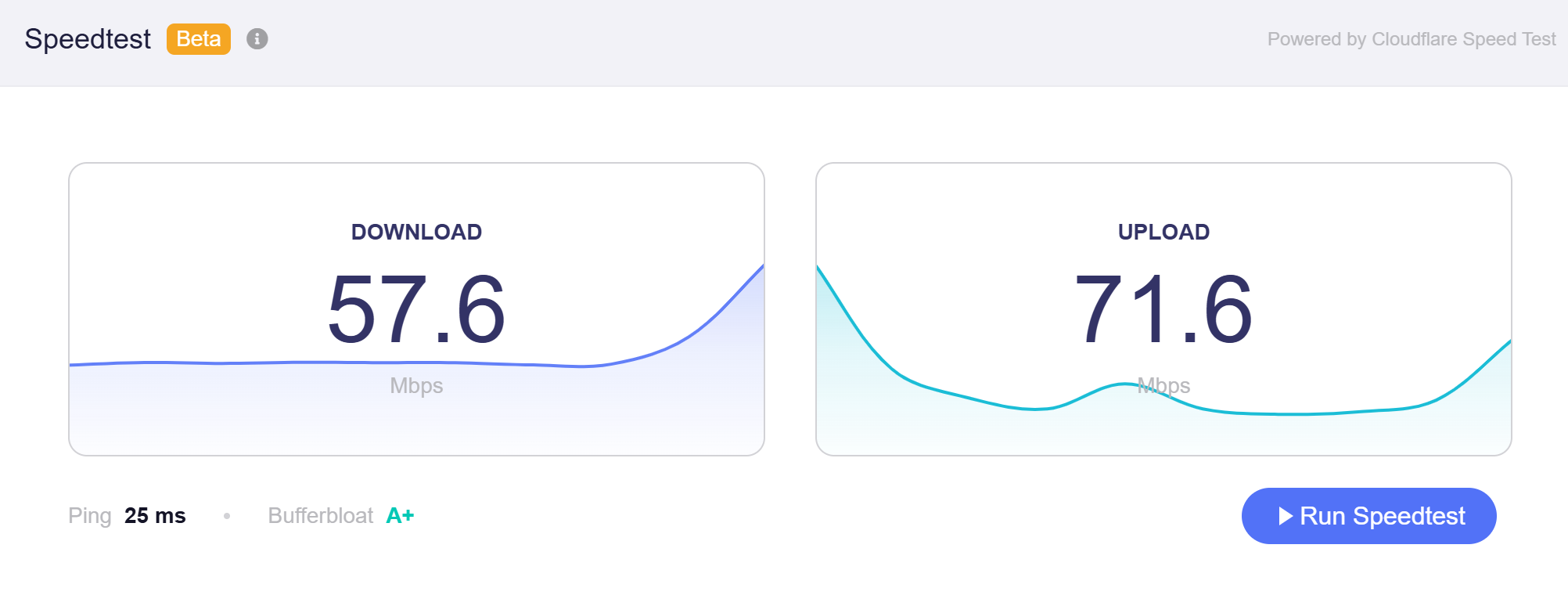
This built-in speed test uses Cloudflare Speed Test to measure download and upload speeds, ping latency, and bufferbloat. Real-time speed graphs are displayed during the test.
Click Run Speedtest to start the speed test.
After the test is complete, the page will display the results.
Still have questions? Visit our Community Forum or Contact us.